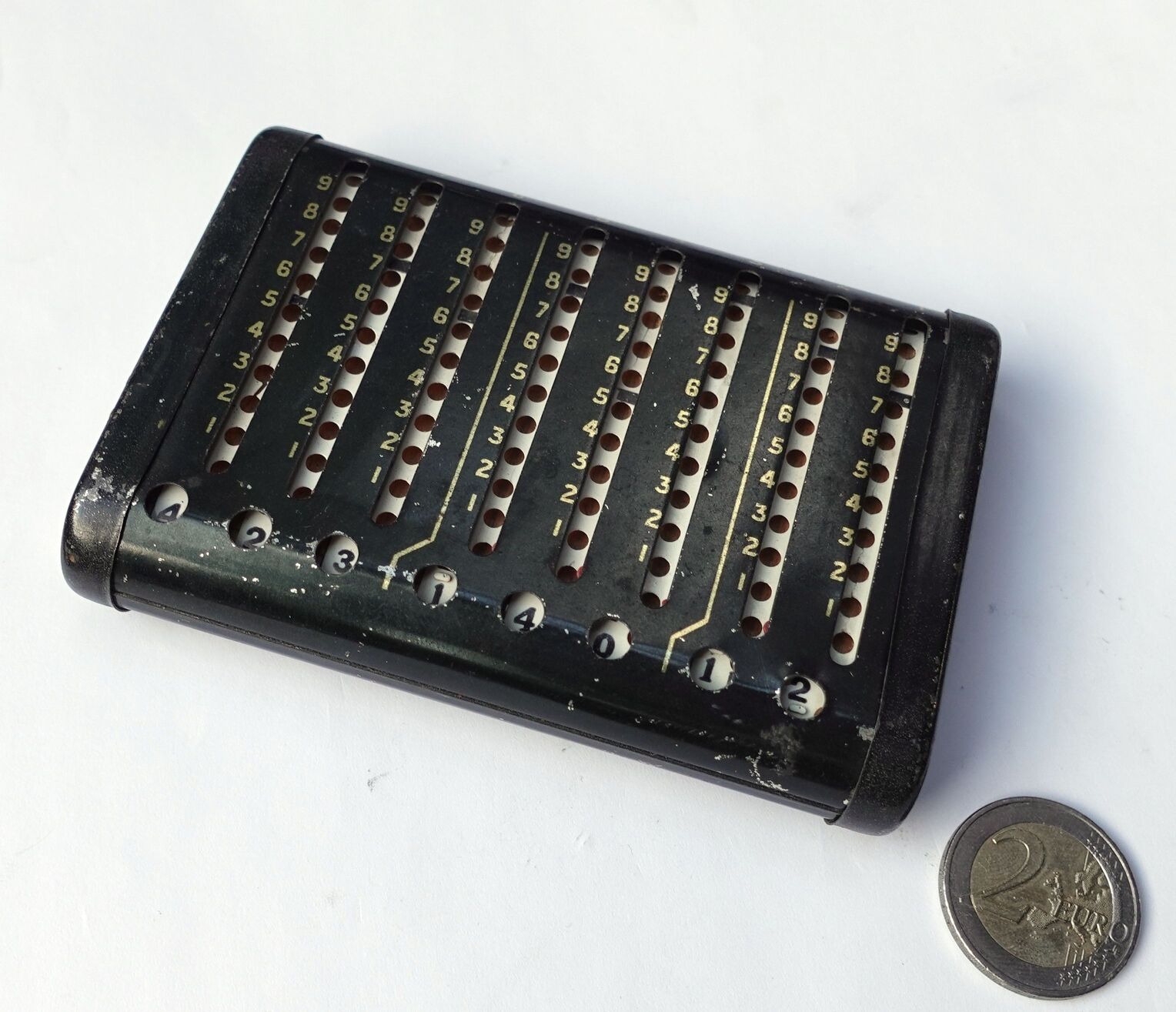
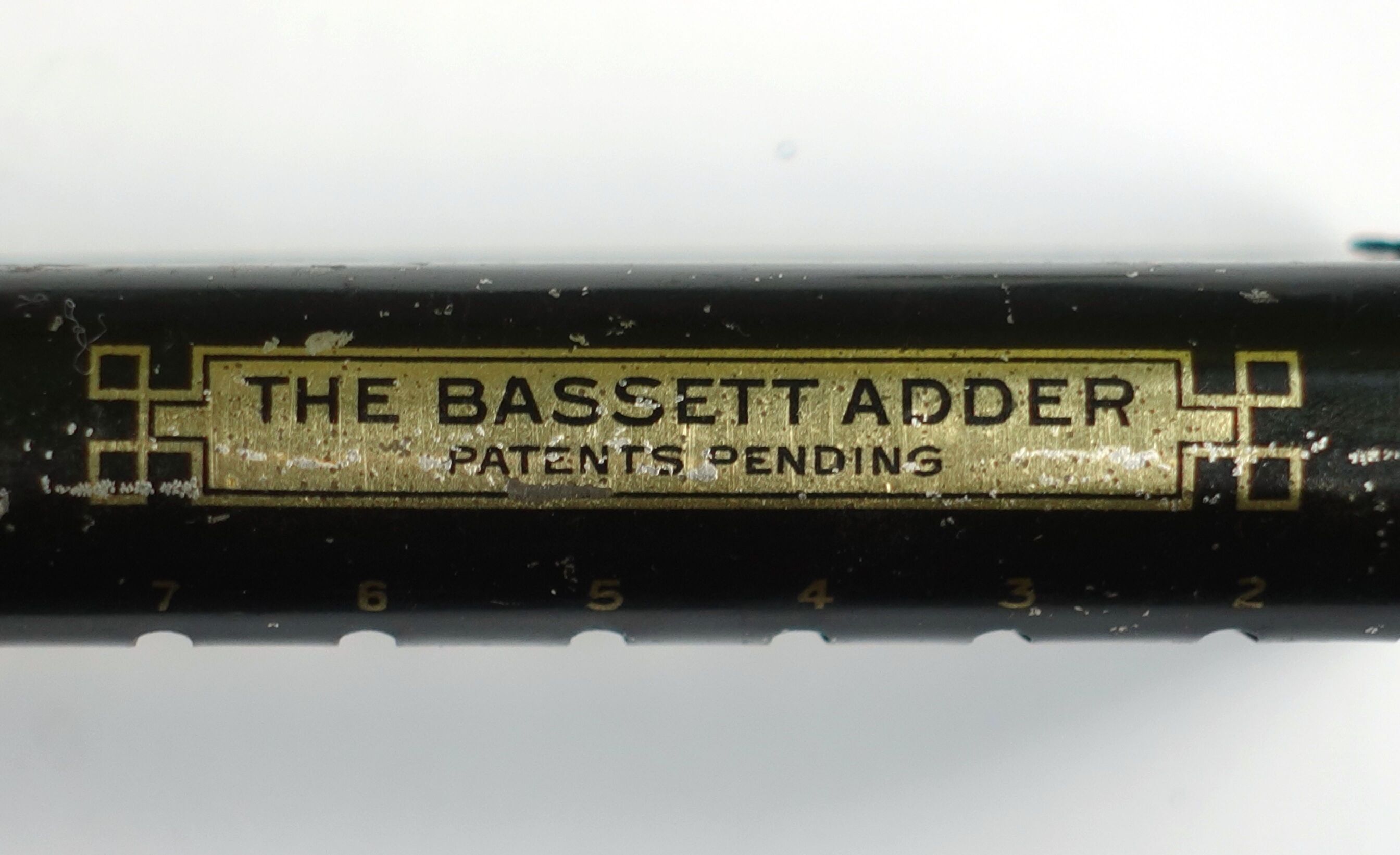
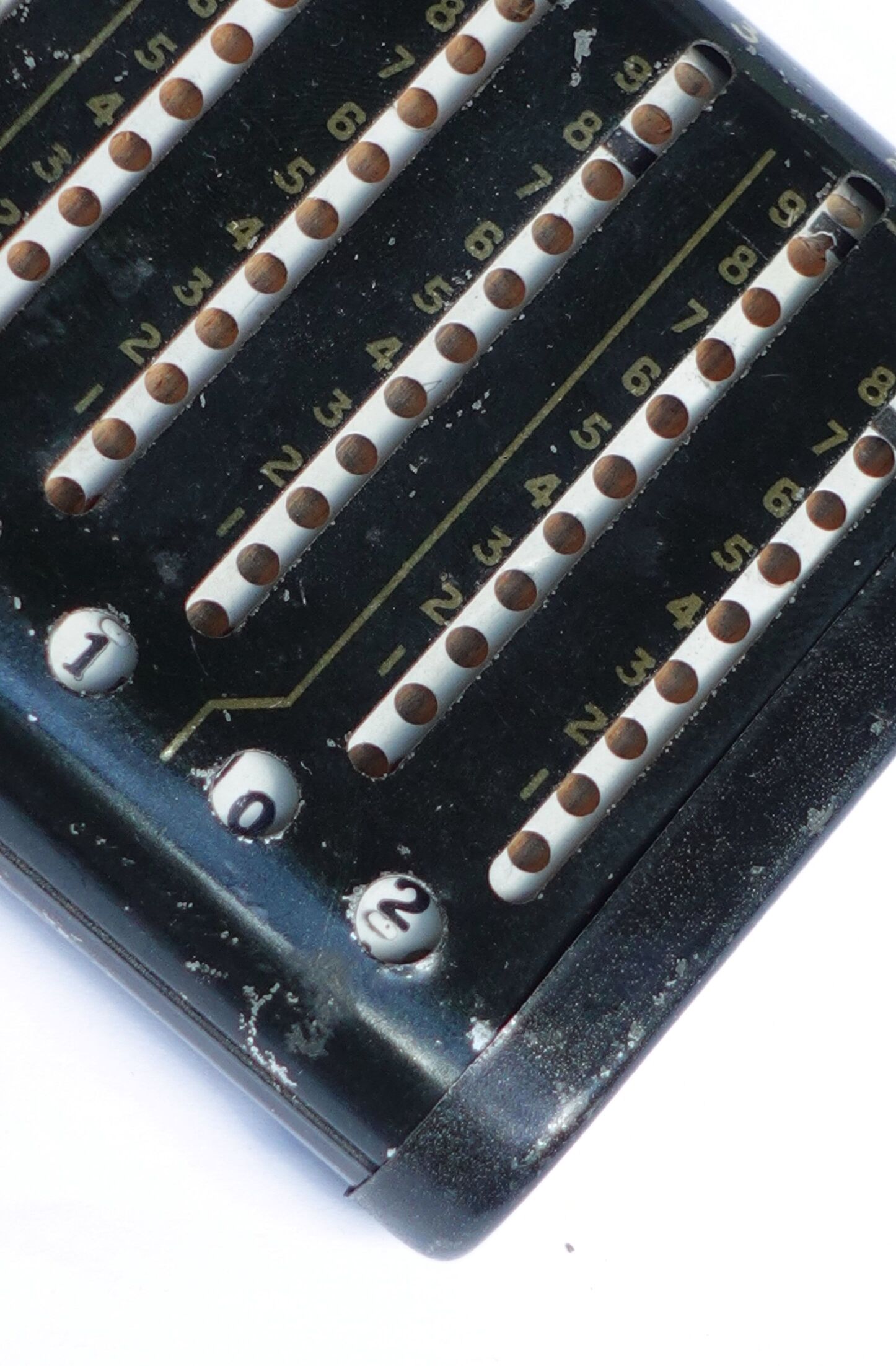
The Bassett Adder is a ribbon adder, which is somewhat similar to an Addiator, except that instead of sliders it has continuous ribbon loops. There are eight vertical slots, and next to each slot are printed digits 1 to 9. Inside each slot there is a ribbon with holes. To the bottom-left of each slot is a small round window hole showing part of the ribbon displaying a digit. To add a digit to any decimal place, put your stylus in the slot for that decimal place and into the ribbon hole next to the digit you want to add, and pull it down to the bottom of the slot. To add a number, add each digit separately.
Carries are not performed automatically. The ribbons have a black line between some holes, and if such a line disappears at the bottom of a slot, then a carry needs to be performed, i.e. an extra 1 needs to be added to the next column. The earliest versions of the Basset Adder had nothing further, but later ones like mine also have a red indicator flag that pops into view at the bottom of the column that should receive a carry. That flag occupies the are below the 1-hole, and will automatically be pushed down by the stylus when anything is added to that column.
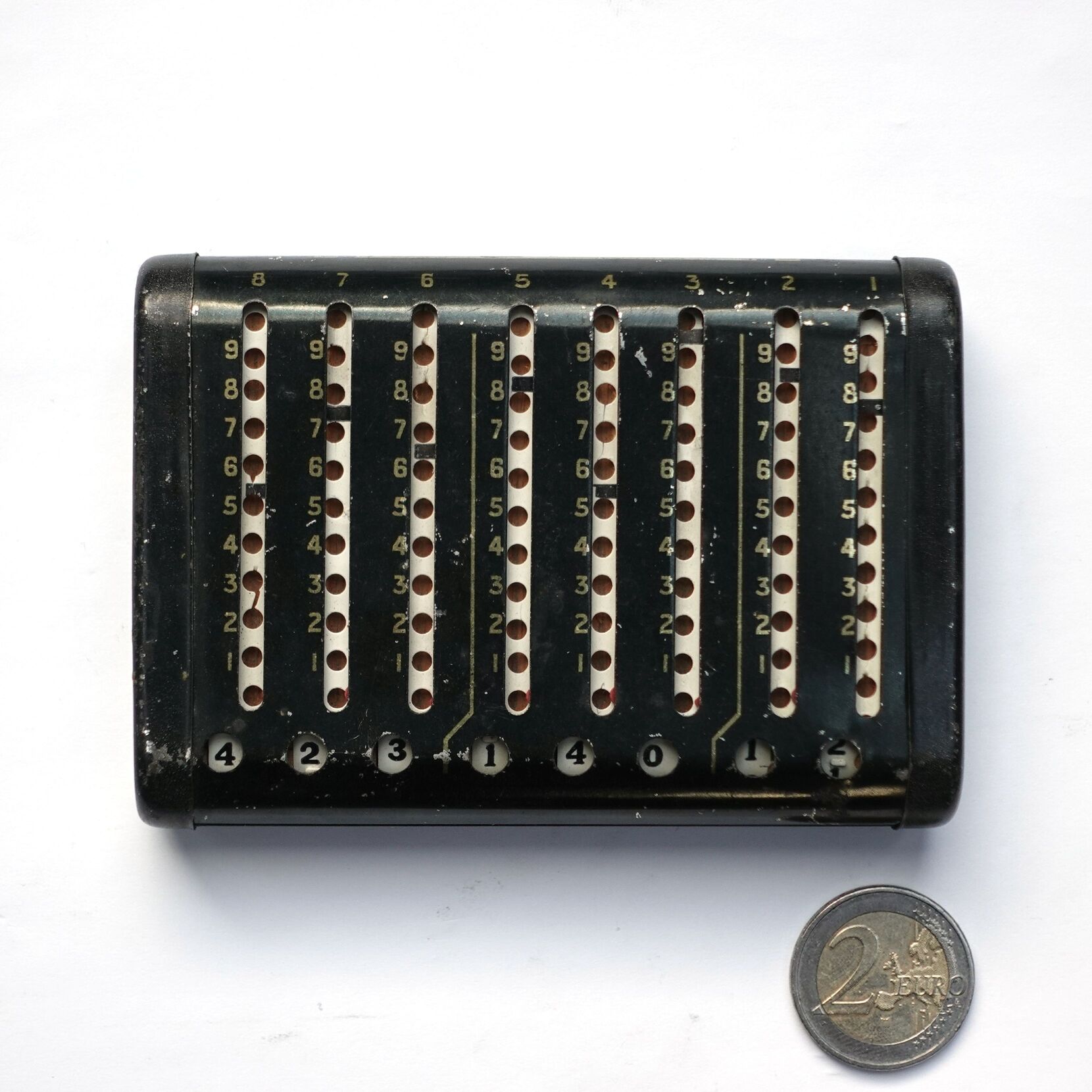
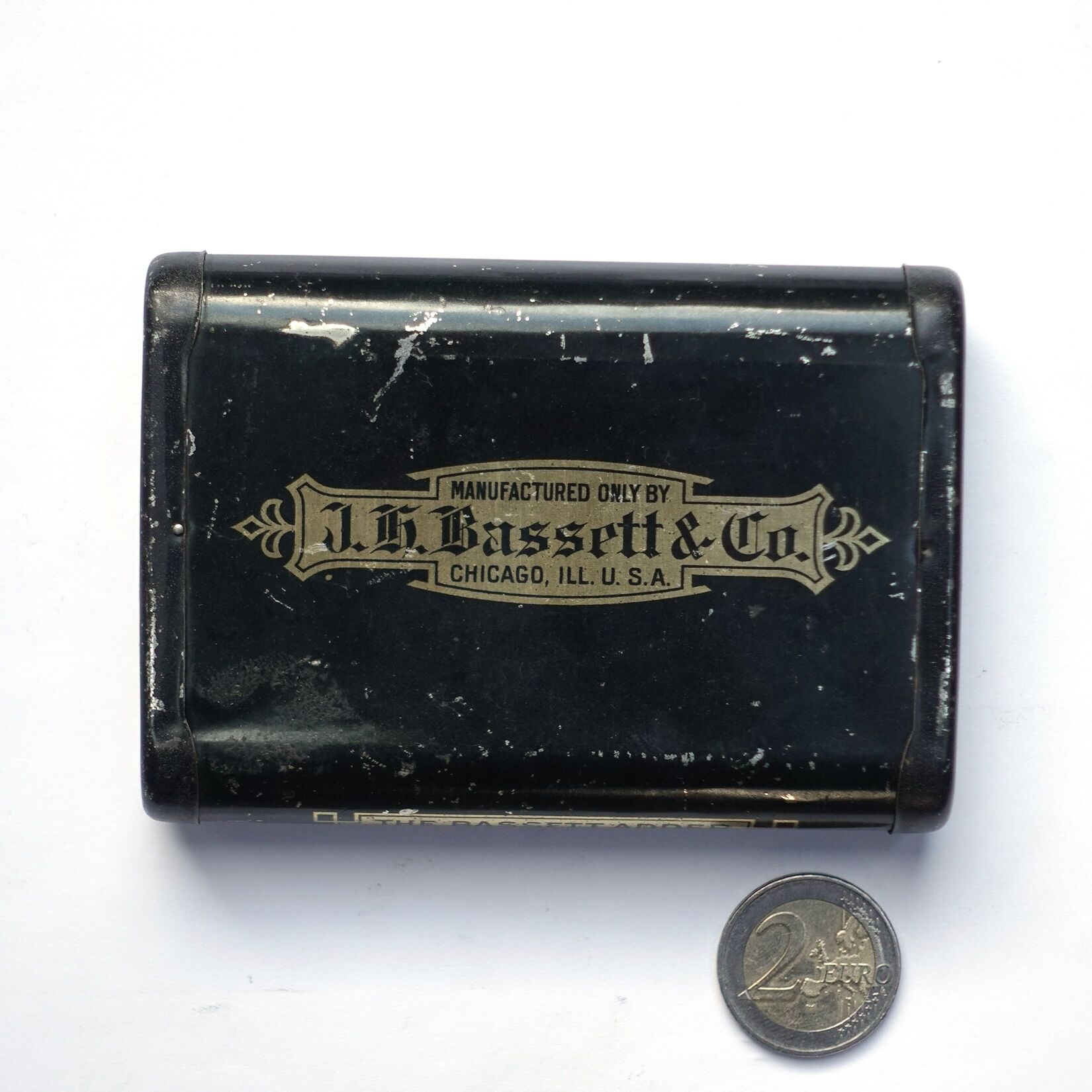
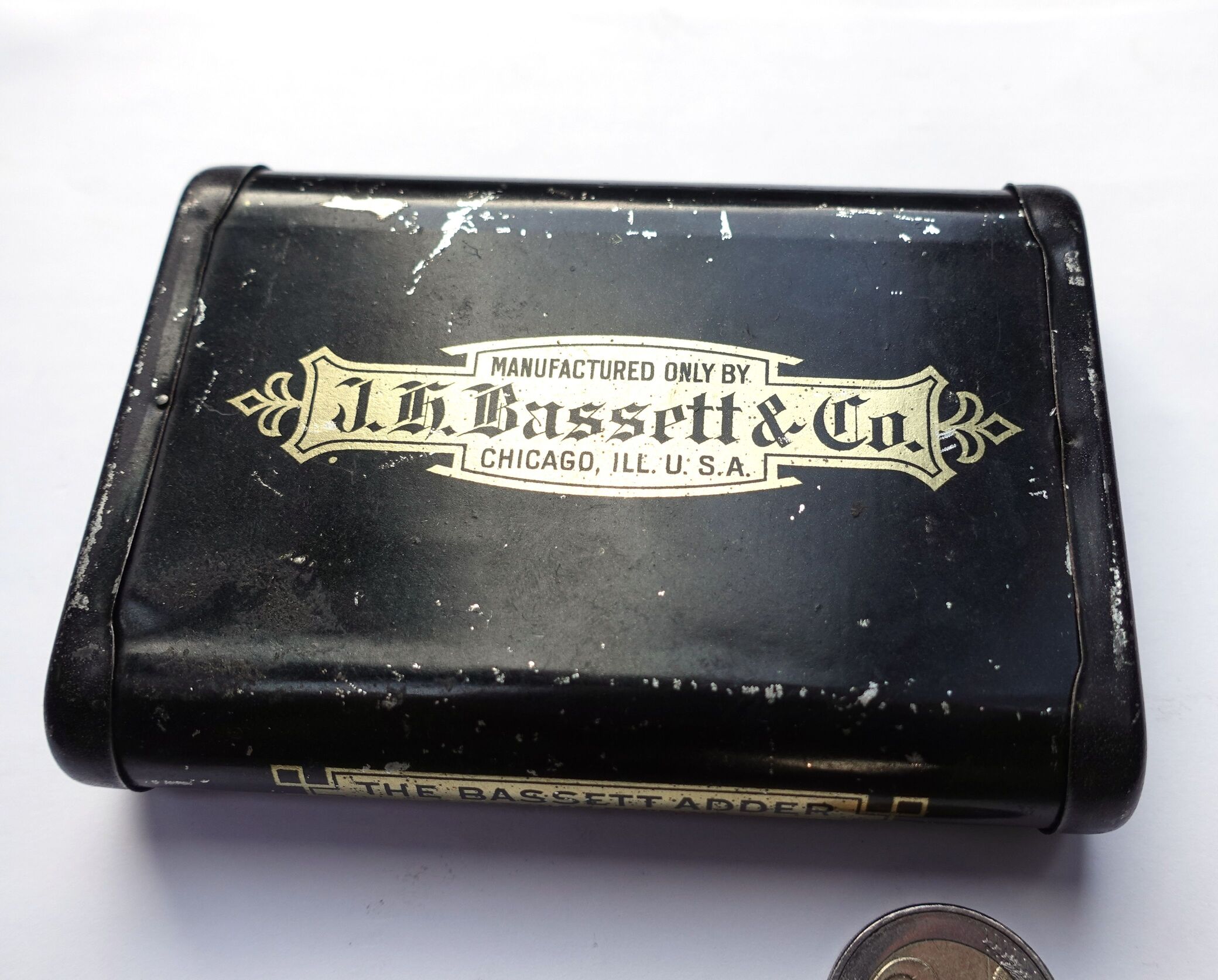
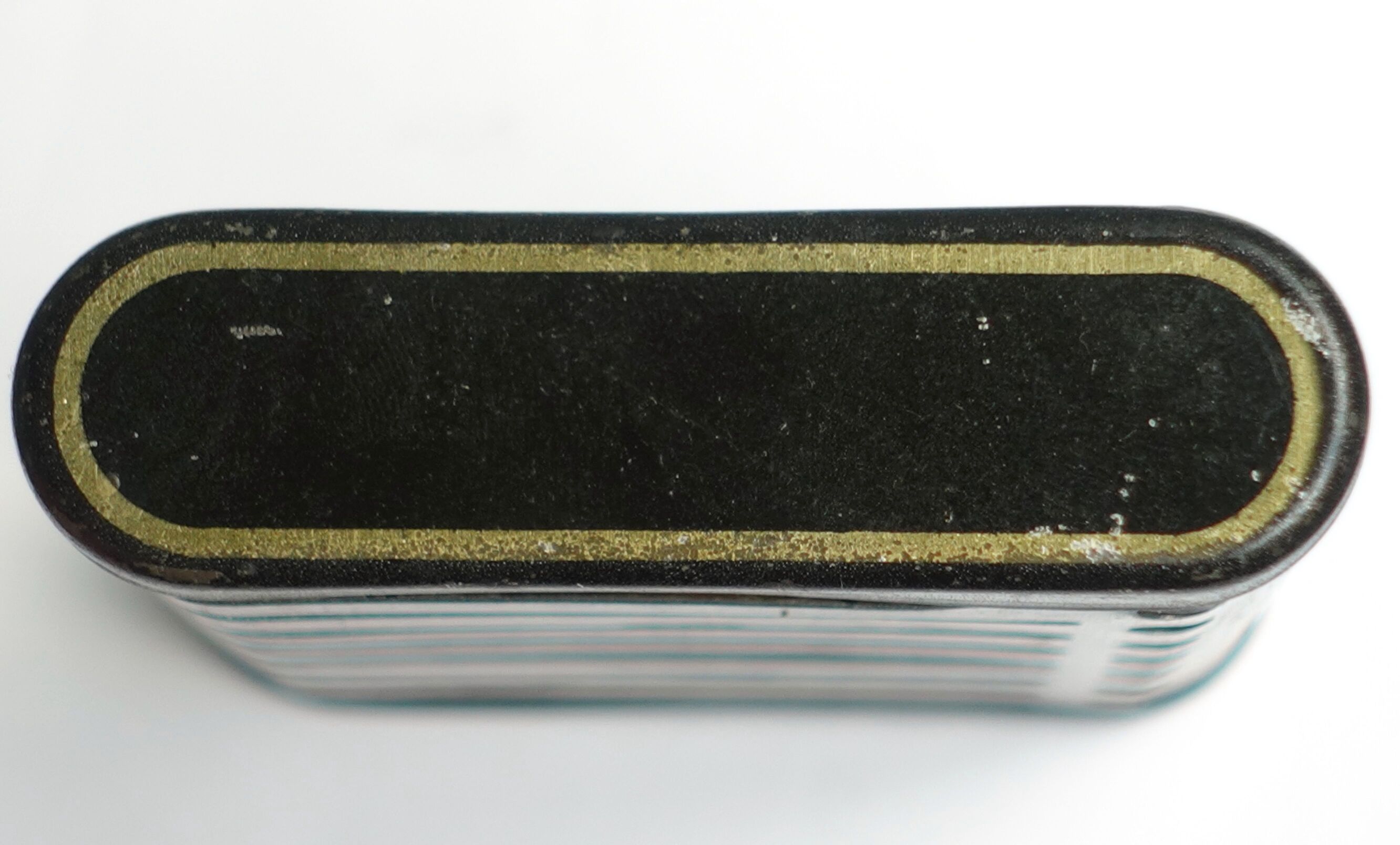
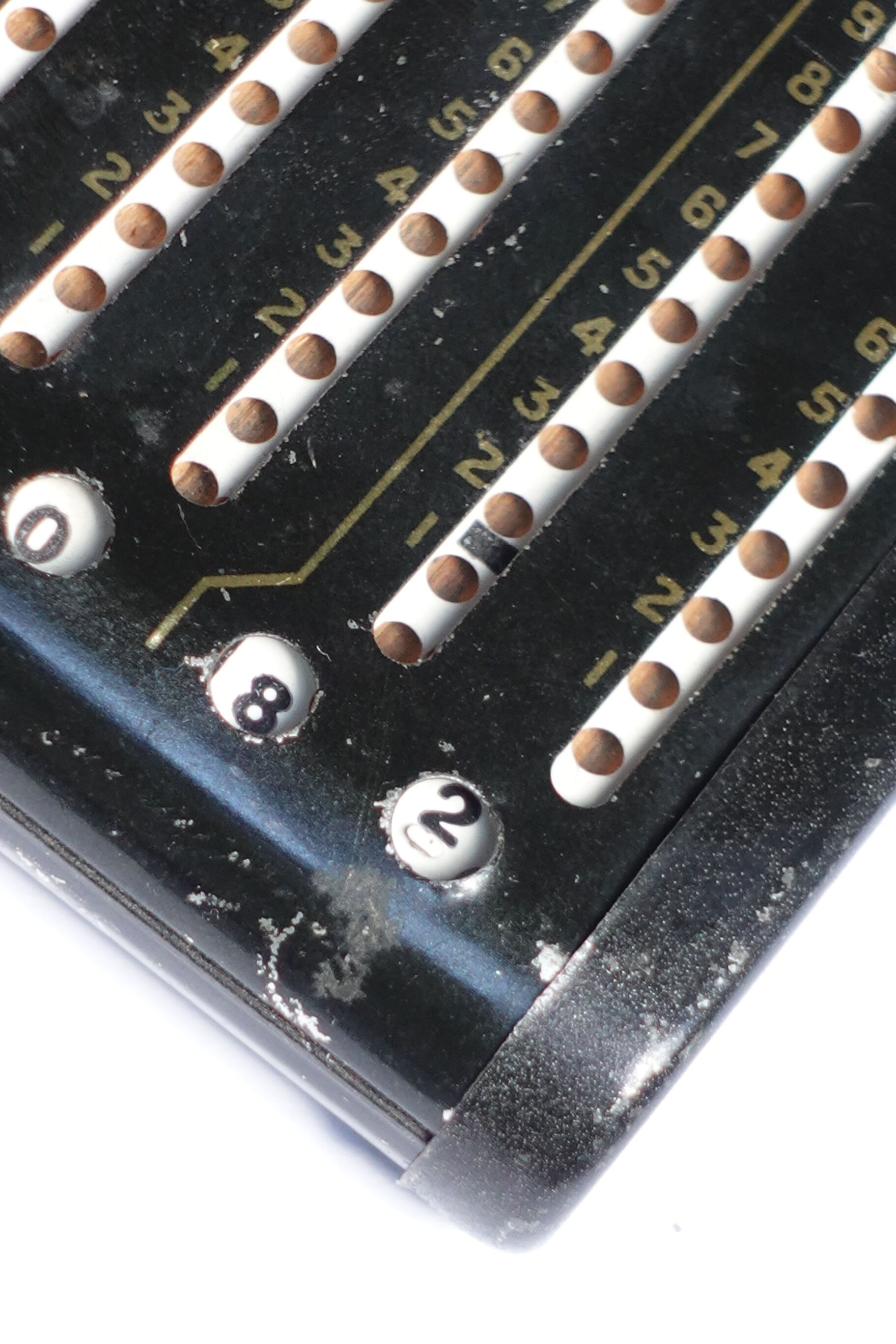
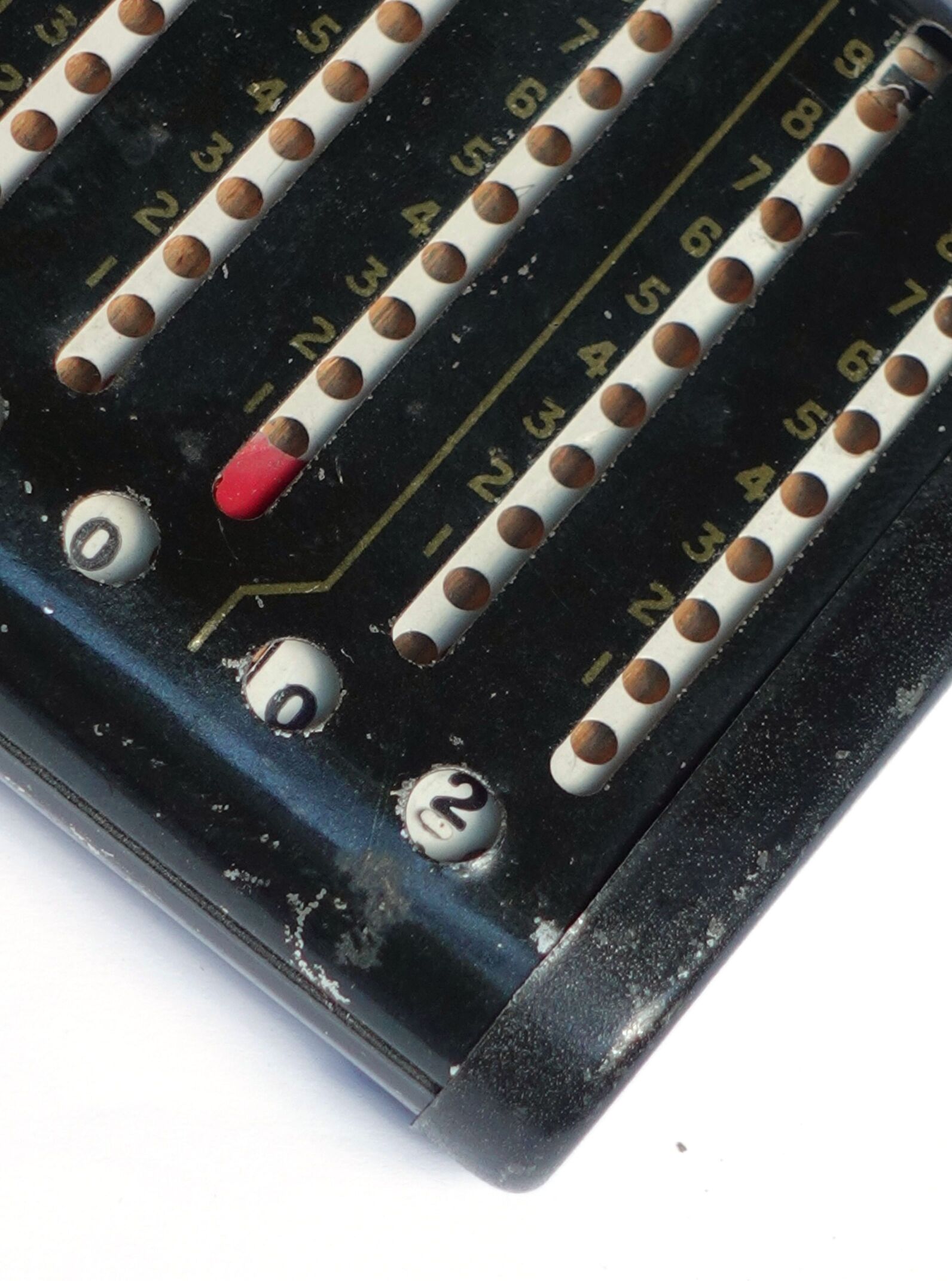
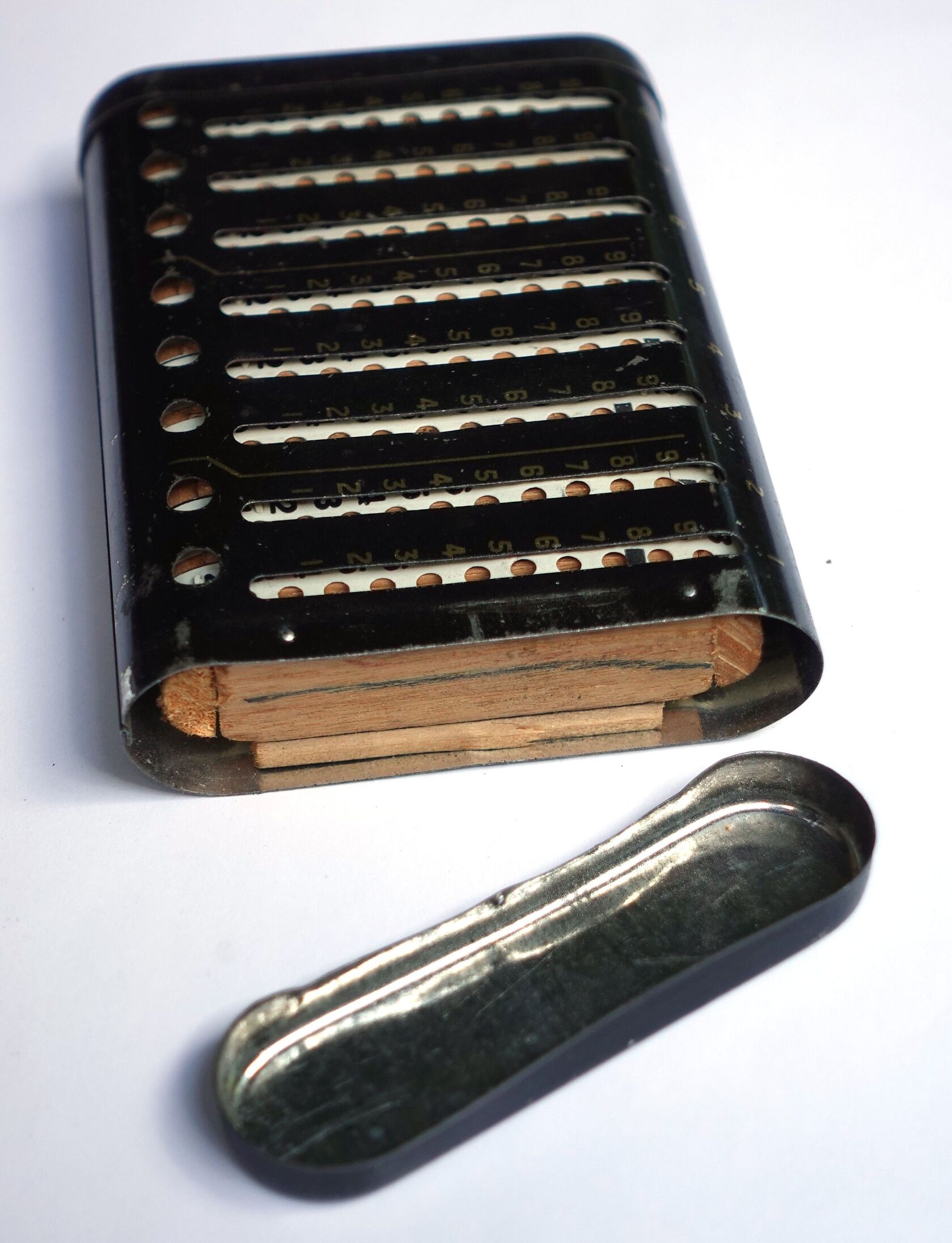
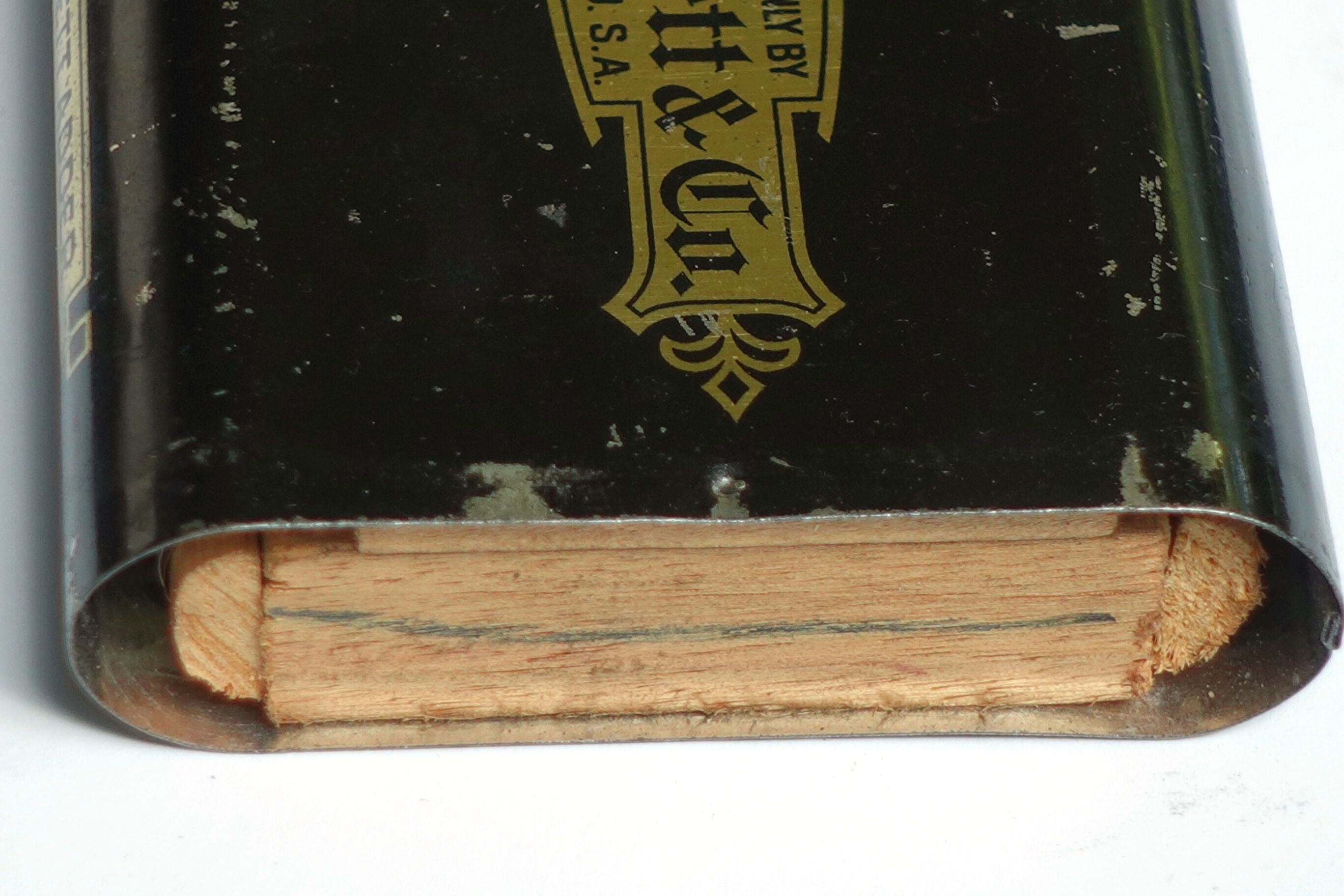
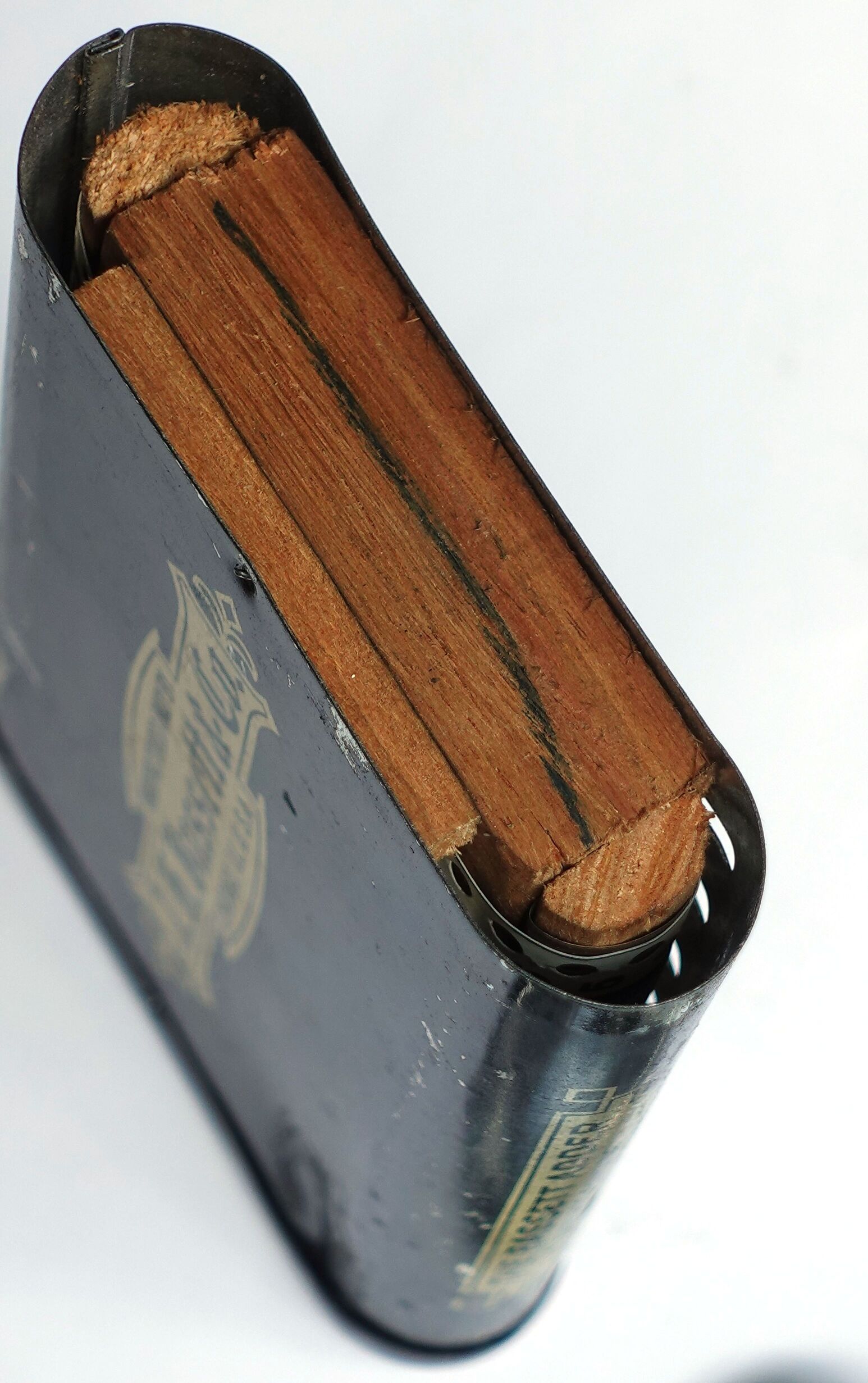
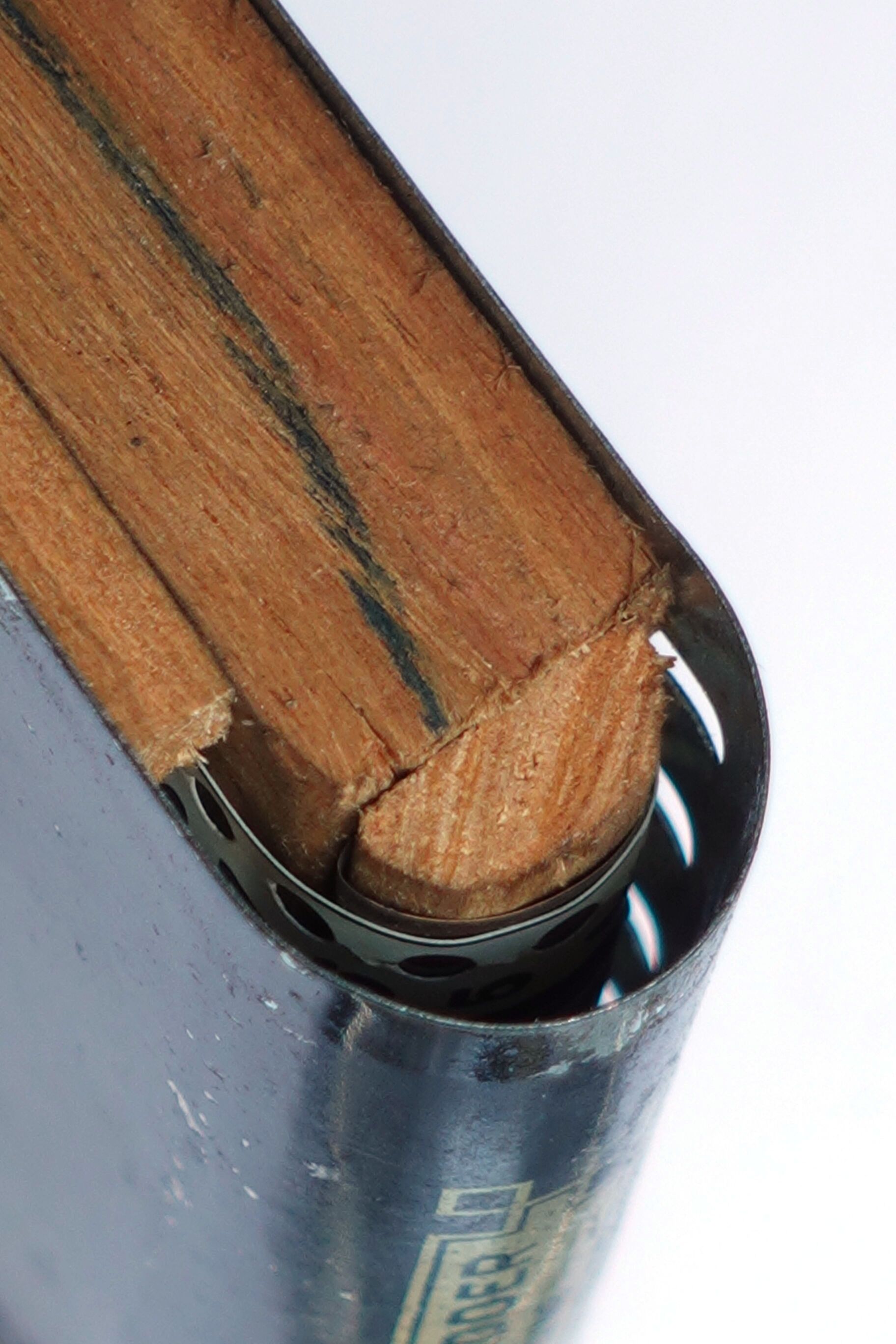
One side cap on my adder comes off. Normally it would normally be held by a nail hammered into the back. Inside is a wooden frame with rounded top and bottom edges. The celluloid ribbons are wrapped round the frame. Between the top edge of the frame and the ribbon are curved metal pieces that keep the ribbon tensioned. The thin metal casing is simply nailed onto the wooden frame. There is a small ridge on each ribbon between the digits 1 and 2 which pushes the red indicator flag out into the next column slot at the right moment. Note that each ribbon has 30 holes, so the digits 0 to 9 occur three times, and each set has its own ridge for pushing out the flag.
I don't have the instructions, but provide the text below taken from online images:
To obtain the best-results in the use of any machine, the directions given must be followed exactly.
Read the instructions"1.hat follow carefugy, and take a little time to become thoroughly familiar with the machine and its correct operation.
Extreme speed must not be expected from the very start. Remember that speed comes only with practice in the operation of any device.
Go slow enough to be sure you are right, and as you become accustomed to using the machine, speed will be acquired naturally and without any special mental effort.
In operating use a stylus (enclosed in box.)
Hold stylus at right angles to face of the machine.
Always move the bands downward. To move them upward would injure the mechanism.
As the stylus is pulled down, alwaya press firmly against the back of the slot. This will prevent the stylus slipping out of the proper hole.
Each slot is numbered, the first right hand slot being numbered 1 and the others consecutively to the left. The number appears at the top and just above each slot. This shows you which columns to use when registering on the machine. A number having four figures, you would start at column 4, and with a number having six figures you would start at column 6, etc.
Before adding set machine to zero.
Place the stylus in the hole just ABOVE the black index mark, which is seen on the operating band between the holes, and pull down to the bottom of the slot. Do this first in the extreme right hand column and then in each column to the left successively. The totals will now all show zero. (In resetting to zero when you find a band which does not show a black index, it will be because it is hidden under the red signal at the base of the slot; in this case place your stylus in the hole just above the red signal and bring down to the bottom of the slot.)
Place your stylus in hole of band opposite the figure of the keyboard which you with to add, in the proper column, and bring the band down to the bottom of the slot.
Register the figures to be added, one item at a time, registering it on the machine from left to right as you would write it on paper. As an example:— To register 2.75 you would first pull down 2 in column 3, then 7 in column 2, and lastly 5 in column 1. Ciphers are not registered. Columns where they occur are skipped.
After you have registered an item complete, glance at the base of the slots and where a RED SIGNAL has been thrown into view, place your stylus in the hole, showing above the edge of this red signal and pull it down. Do this with the first red signal to the right and then with each red signal to the left successively. This is done only after registering each item, and only in those columns which show a red signal. The total will then show correctly up to that point.
When pulling down a red signal, this will sometimes cause another red signal to be thrown; this most be pulled down as well as the others.
The slots which have not thrown the red signal, of course, are skipped, and when no red signals are thrown in any column, proceed with your addition, registering the next item.
The machine may be placed on the work right over the figures and moved down as each it is registered. This will keep your place and show the item you are registering plainly.
Set machine to zero. (See To Reset To Zero.) Register 5 in column 3 and 7 in column 2 and 5 in column 1. No red signals were thrown. Next register 1 in column 4 and skip column 3 and column 2 because ciphers are not registered, and register 8 in column 1. Note that one red signal was thrown, so place stylus in hole of band directly over it and pull it down. Now register 68.78 in the proper columns. Now note that three red signals were thrown, so pull them down from right to left successively. Next register 5.00. Note that no red signals were thrown, so proceed to register the next item, which is .37. No red signals were thrown, so register the next item, which is .04, and as one red signal was thrown pull that down and note that this threw another red signal in column 3, so pull that down, and this threw another red signal in column 4, so pull that down. Now note that no more red signals were thrown, so register the next item, which is 7.50. No red signals were thrown, so register 40.61. Now pull down the two red signals which were thrown and as you have registered the last item the correct result is shown in the totals.
After registering each item and pulling down the red signals which were thrown, the correct total up to that point appears in the openings.
(See other side for Subtraction and Multiplication.)
Different commodities, or feet and inches, or hours and minutes, or pounds and tons, etc., may be added at the same time. As an example, use the four left hand columns for feet and the four right hand columns for inches. When the total of each is gained, divide the right hand total by 12 and add that result to the left hand total.
With pounds and tons you would need five or six right hand columns for pounds.
With hours and minutes, divide the minutes by 60.
With pounds and tons, divide the pounds by 2000.
Fractions may be added .by changing each fraction to a decimal, according to the following table:
| 1/16 | = | .0625 | 5/16 | = | .3125 | 9/16 | = | .5625 | 13/16 | = | .8125 | |||||
| 1/8 | = | .125 | 3/8 | = | .375 | 5/8 | = | .625 | 7/8 | = | .875 | |||||
| 3/16 | = | .1875 | 7/16 | = | .4375 | 11/16 | = | .6875 | 15/16 | = | .9375 | |||||
| 1/4 | = | .25 | 1/2 | = | .50 | 3/4 | = | .75 | ||||||||
Point off as many columns at the right of the machine as there will be decimal places in the fractions you are to add, and proceed just as in addition, adding the decimals in these columns. Whole numbers may be added at the same time by adding them in the columns to the left of the decimal point. The figures showing the total openings to the left of the decimal point are the sum of the whole numbers and those to the right of the decimal point show the remaining decimal, which can be changed back to a fraction by referring to the table.
In splitting the keyboard for different commodities, or in pointing off the decimal place, slip a rubber band around the body of the machine, letting it rest between the columns where the split should occur, or between the columns where the decimal point should be. This will aid you in quickly finding the proper columns when adding.
Place on the machine the number from which the Subtraction is to be made.
The number to be subtracted (subtrahend) is registered on the machine by registering the difference in each column, of the figure to be subtracted and 10; as an example, if you were going to subtract 4.71, you would pull down 6 in column 3 (because 6 is the difference between 4 and 10), and pull down 3 in column 2 (because 3 is the difference between 7 and 10), and pull down 9 in column 1 (because 9 is the difference between 1 and 10).
Each time a figure of the subtrahend is registered in its proper column, note whether the red signal was thrown in the slot directly to the left.
If the red signal was not thrown in the column directly to the left, you must immediately pull down 9 in each column to the left successively until a red signal is thrown. This red signal is immediately pushed out of sight without moving the band beneath it. If, however, the red signal was thrown, you do not pull down the 9 in the next column to the left, but immediately push the red signal out of sight without moving the band beneath it.
After pushing the red signal out of sight each time, this is your indication to proceed to register the next figure of the subtrahend in its proper column.
After registering the last or extreme right hand figure of your subtrahend the correct result of your subtraction will be seen in the openings.
Two methods of multiplication are given; the first method is quicker than the last because the multiplication is done mentally with each figure and the result is placed or registered on the machine, using the proper columns in accordance with the rules given for addition.
Note the positions of the different numbers registered. This denotes the proper columns. The 2 being registered in column 2 and the 4 in column 1. The relation of the other figures denote their columns.
| 576 | 4 × 6—register | 24 | No red signals were thrown. | ||
| × 34 | 4 × 7—register | 28 | 1 red signal was thrown. Pull this down. | ||
| ———— | 4 × 5—register | 20 | No red signals were thrown. | ||
| 3 × 6—register | 18 | No red signals were thrown. | |||
| 3 × 7—register | 21 | No red signals were thrown. | |||
| 3 × 5—register | 15 | No red signals were thrown. | |||
| Totals now show | 195.84. |
Use the first right-hand or column 1 for the initial position for the first right-hand figure of the multiplier and column 2 for the initial position when the second figure of the multiplier is used, etc., according to the number of figures of the multiplier.
Register 576 four times, using column 1 as initial position; then register 576 three times, using column 2 as the initial position. The registering in detail would be as shown:
| 576 | No red signals. | |
| 576 | 3 red signals. | Pull them down. |
| 576 | 1 red signal. | Pull it down. |
| 576 | 2 red signals. | Pull them down and another is thrown, making 3 in all. |
| 576 | 1 red signal. | Pull it down. |
| 576 | 2 red signals. | Pull them down |
| 576 | 1 red signal. | Pull it down. |
Totals now show 195.84.
The first ribbon adder seems to have been invented by Юрий И. Дьяков (Yuri. I. Dyakov) who manufactured them in the late 1870s, and described it in a Russian patent from 1881. (See Computer Timeline). In the USA Charles Webb, who probably saw Dyakov's adder, applied for a patent for his own version in 1888. The patent took a while to be granted, and by the time Webb's Ribbon Adder went into production the 1893 economic depression hit. The adder was not successful, especially compared to his first adder, so production soon ceased.
James Hunter Bassett (1888–1932) put his ribbon adder into production in 1909. He had managed to devise a very cheap construction, using celluloid ribbons around a wooden frame, with a casing made of paper or cardboard. From about 1916 the casing was made from thin sheet metal, and at some point the red carry flags were added. It says Patents Pending on the case, but it seems no patents were ever granted, probably because of the prior art of Charles Webb.
Bassett named his business J.H. Bassett & Co., which operated from the following addresses:
| 1909-1910 | 39 Aldine Square | Chicago, Illinois |
| 1912-1917 | 5921 Indiana Avenue | Chicago, Illinois |
| 1921-1936 | 1458 Hollywood Avenue | Chicago, Illinois |
| 1937-1941 | Box 302 | Altadena, California |
Other companies also sold the Bassett Adder, sometimes using a different name.
Note that James Bassett died from heart failure in 1932, and lived at the Hollywood
Avenue address. His mother Clara Hunter was also living there and died the same day.
Presumably the earlier addresses were also their living residences.
James Bassett was reported to have been a building manager of the Hunter Building
at 327 West Madison street (on the South East corner with Market Street) for 20 years.
It is unclear if that building has any relation to the adder. The building was owned by
Edward S. Hunter, a business man from the corn trade turned property developer. It
is possible he is related to James's mother, but I have not found any proof of that.
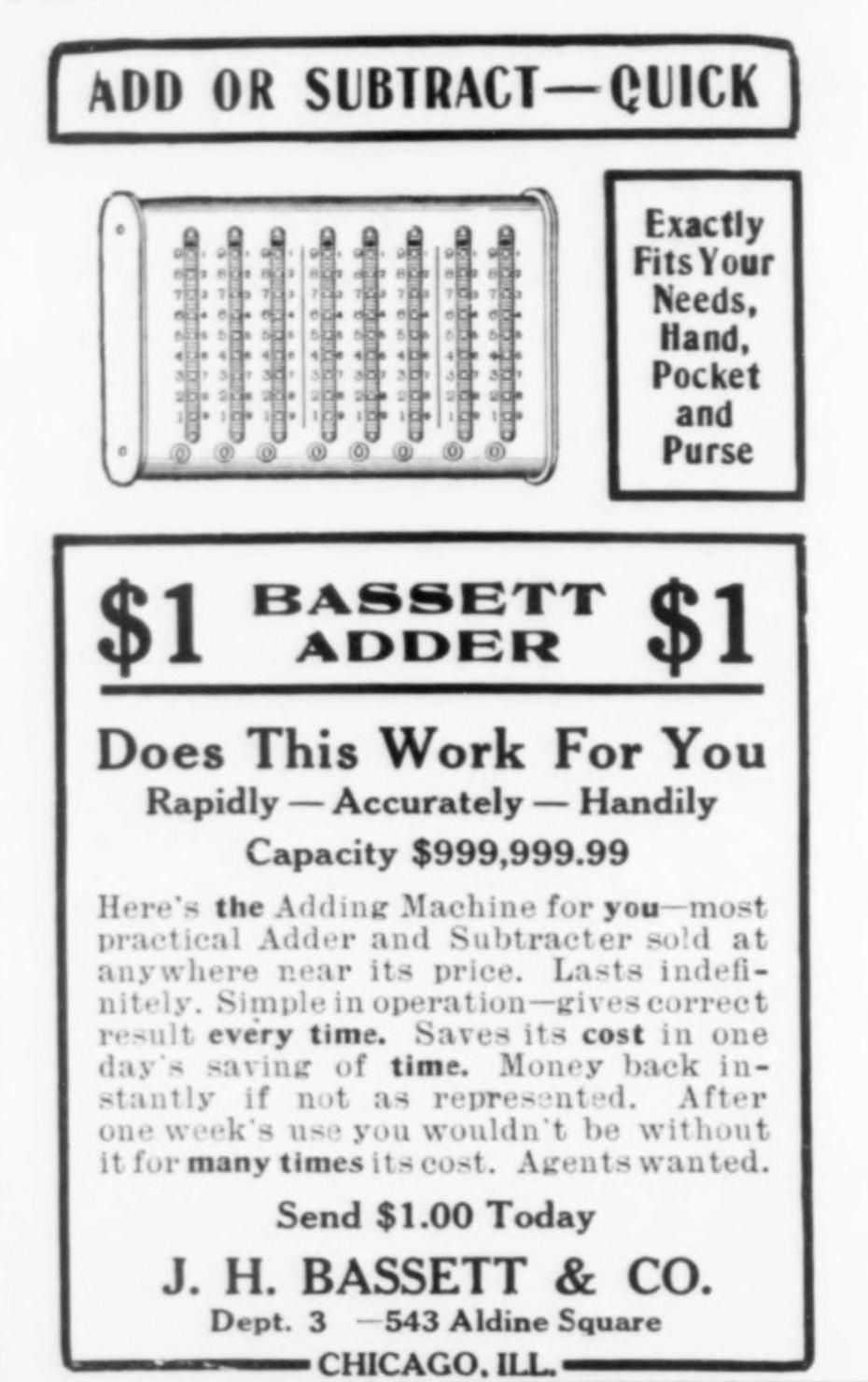
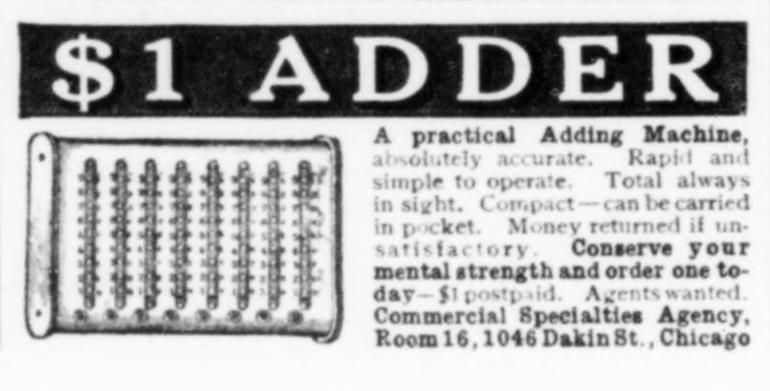
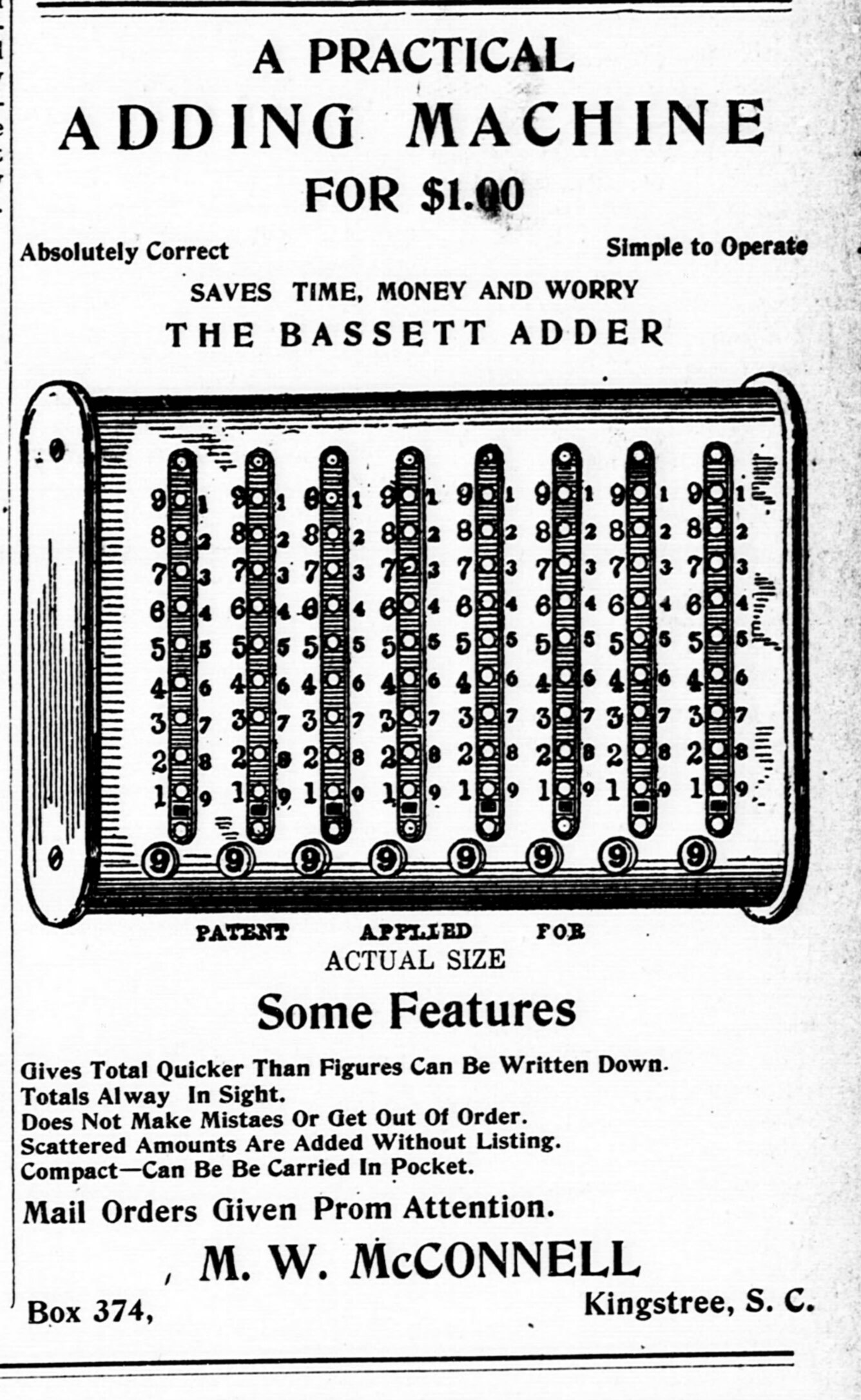
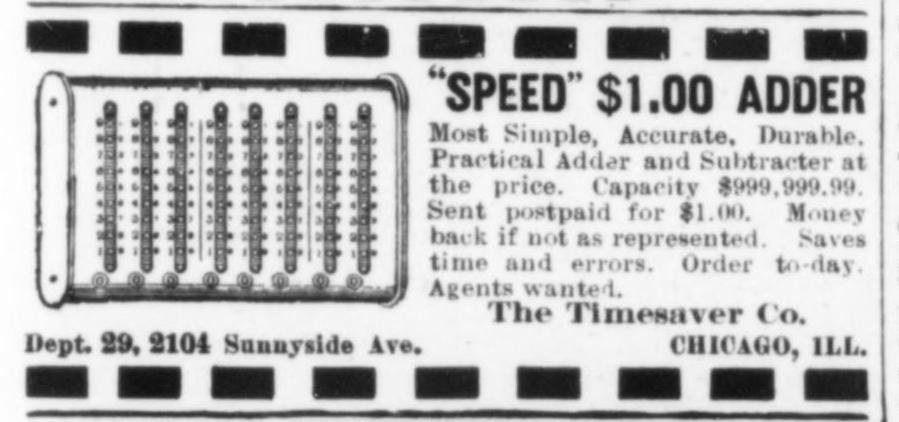
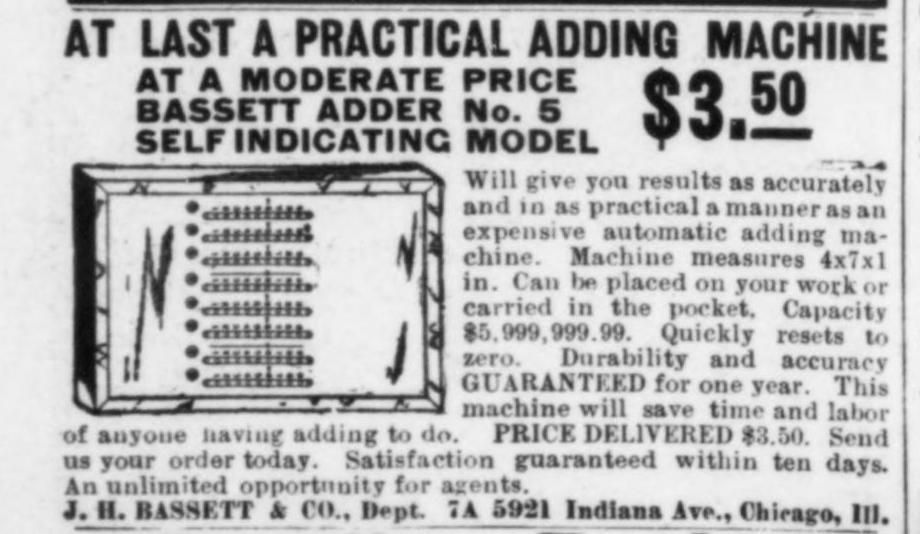
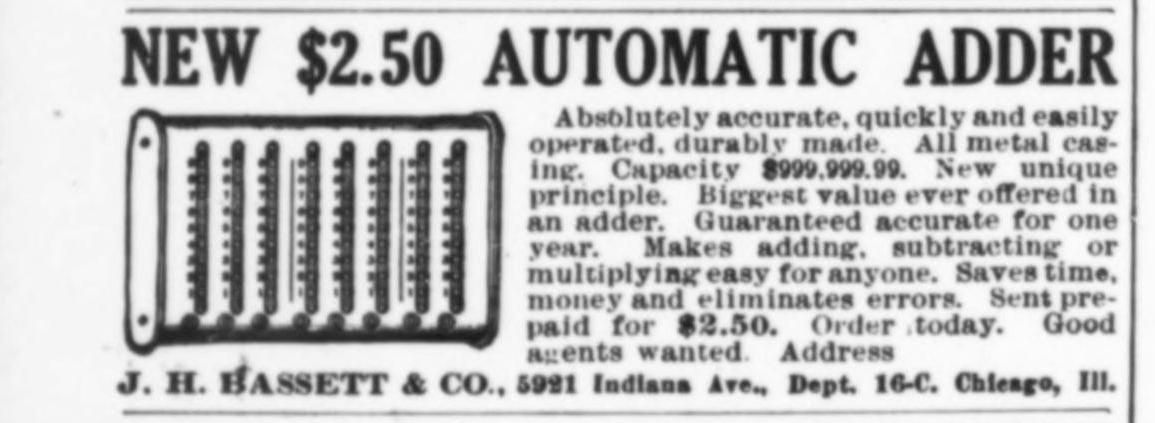
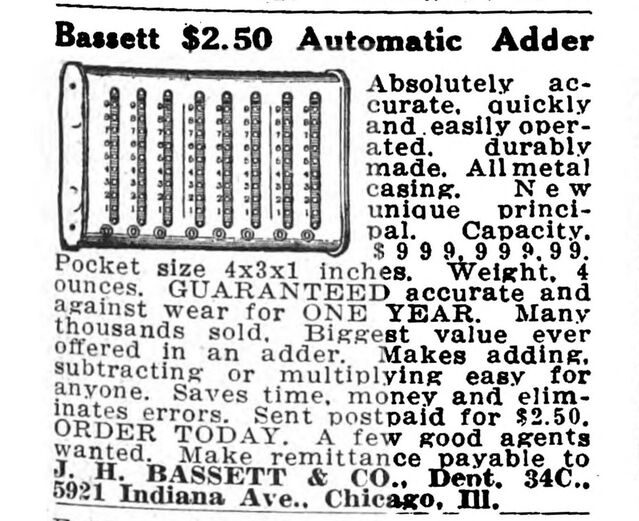
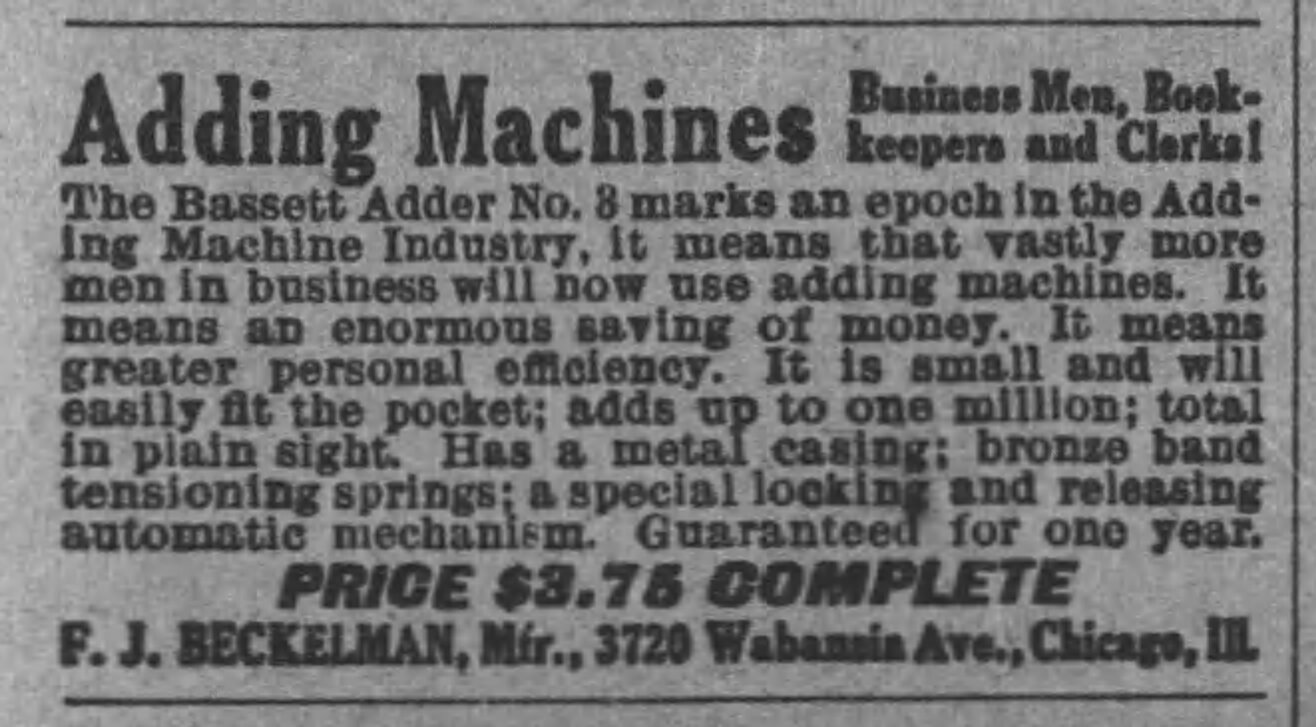
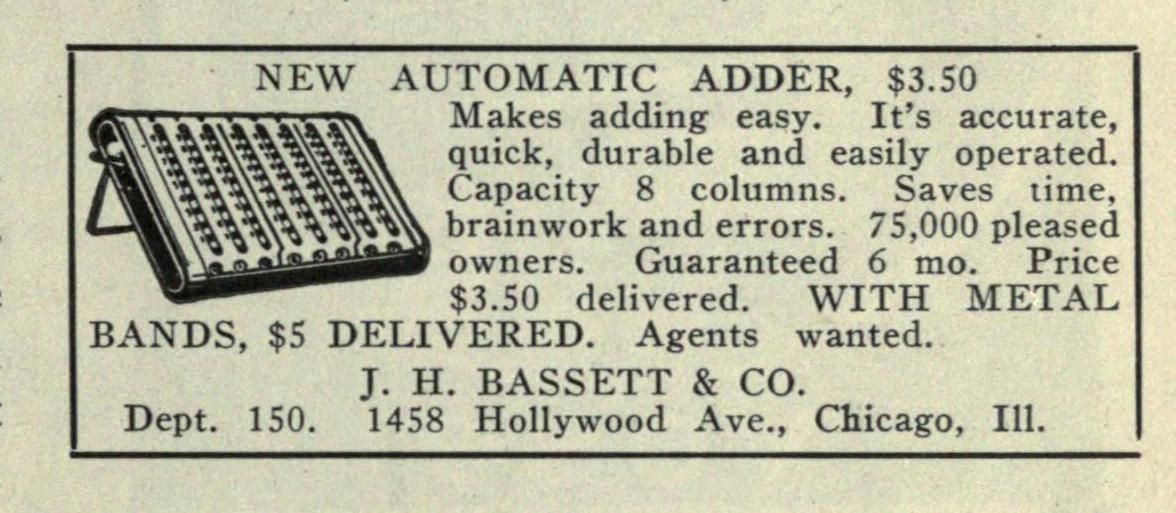
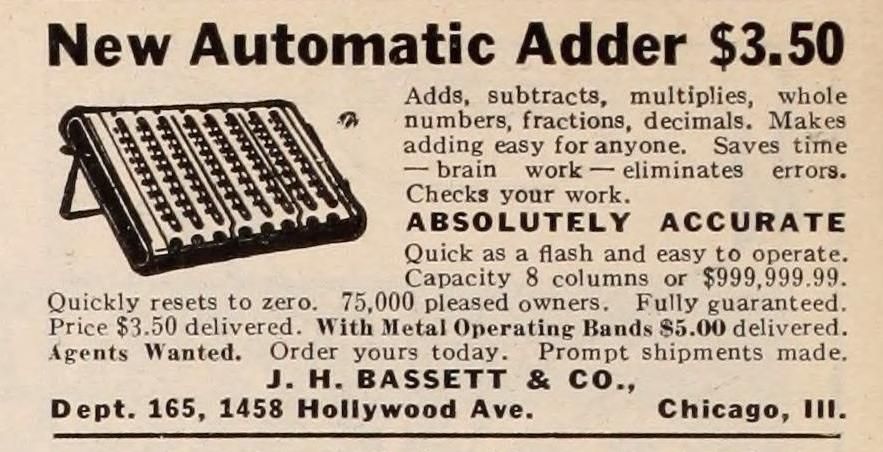
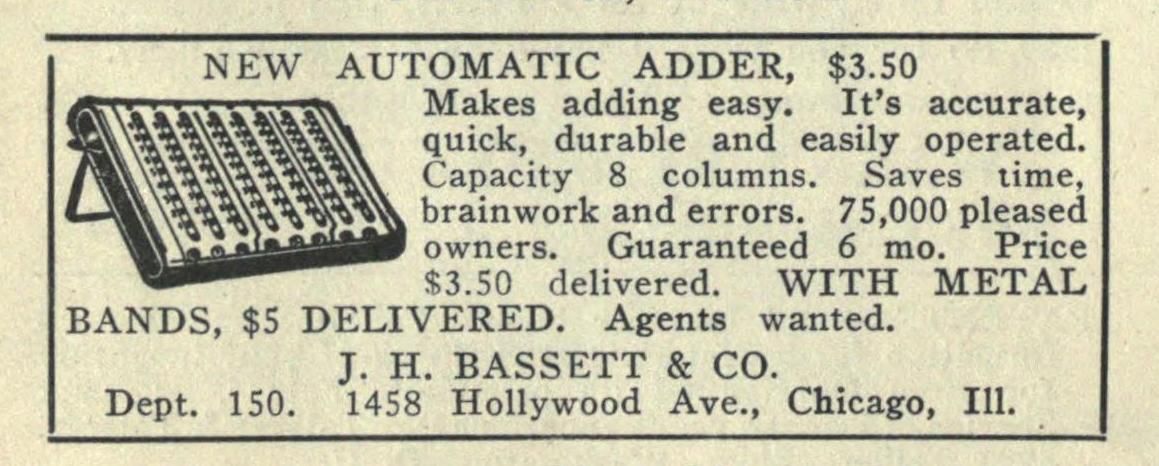
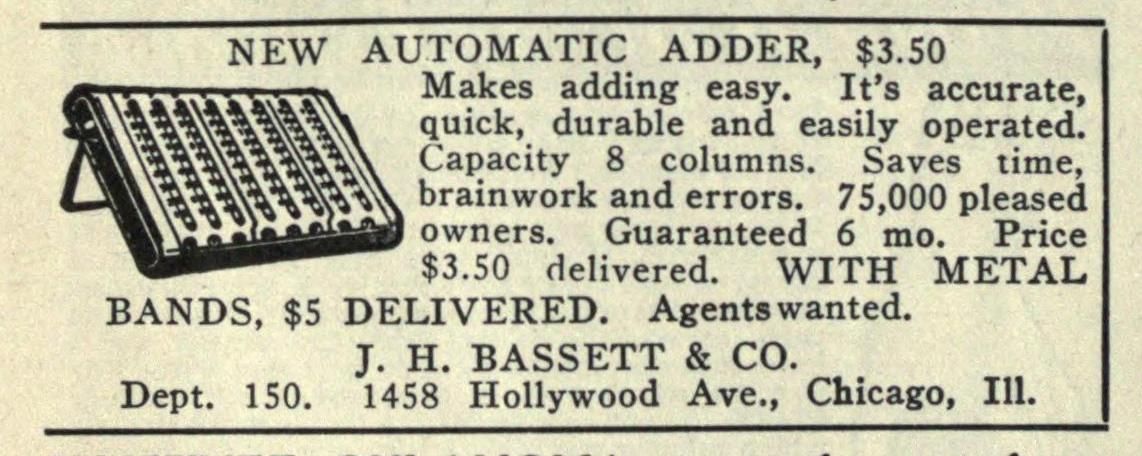
Here are a few advertisements I found in online newspaper and magazine archives.
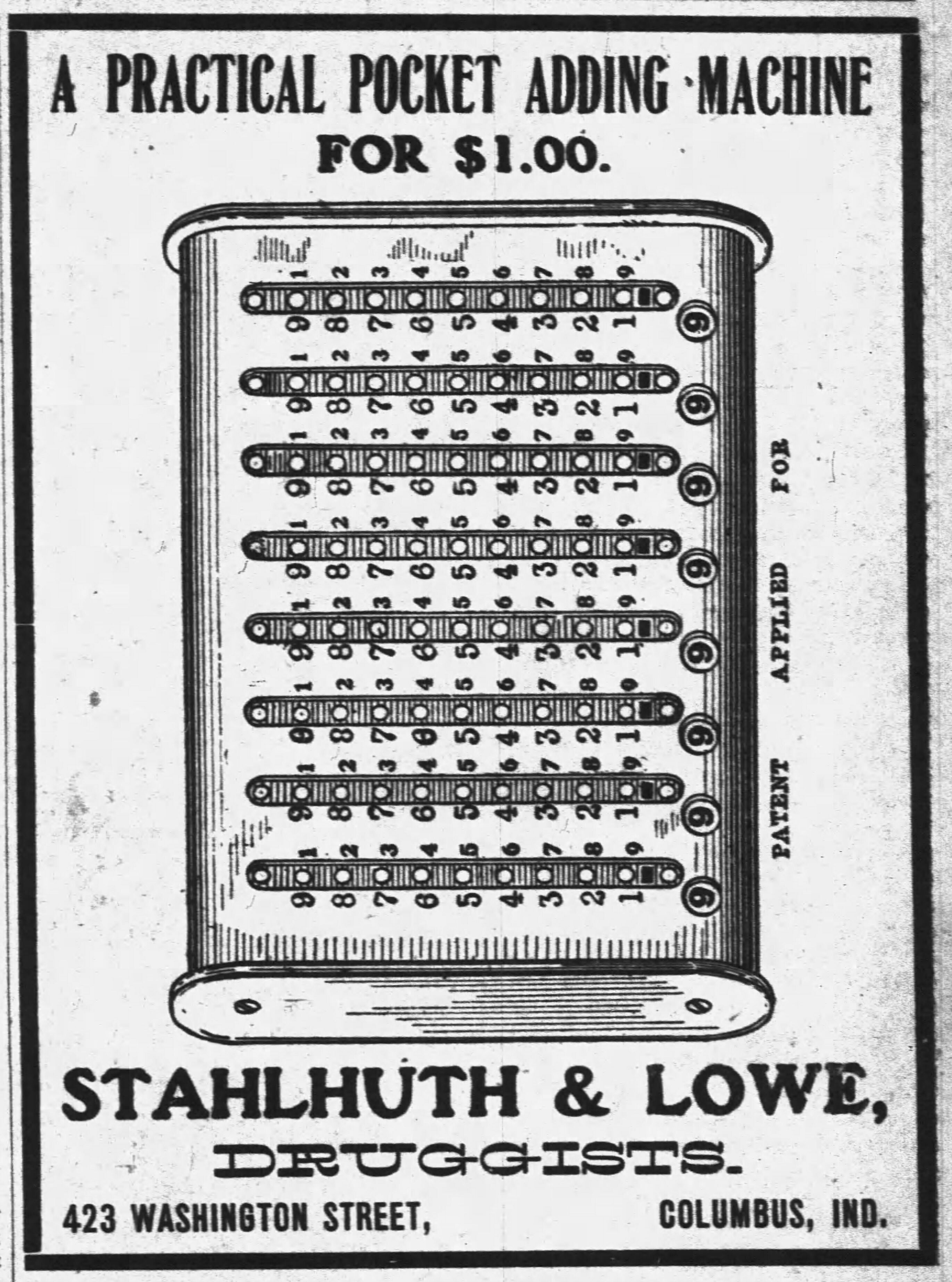
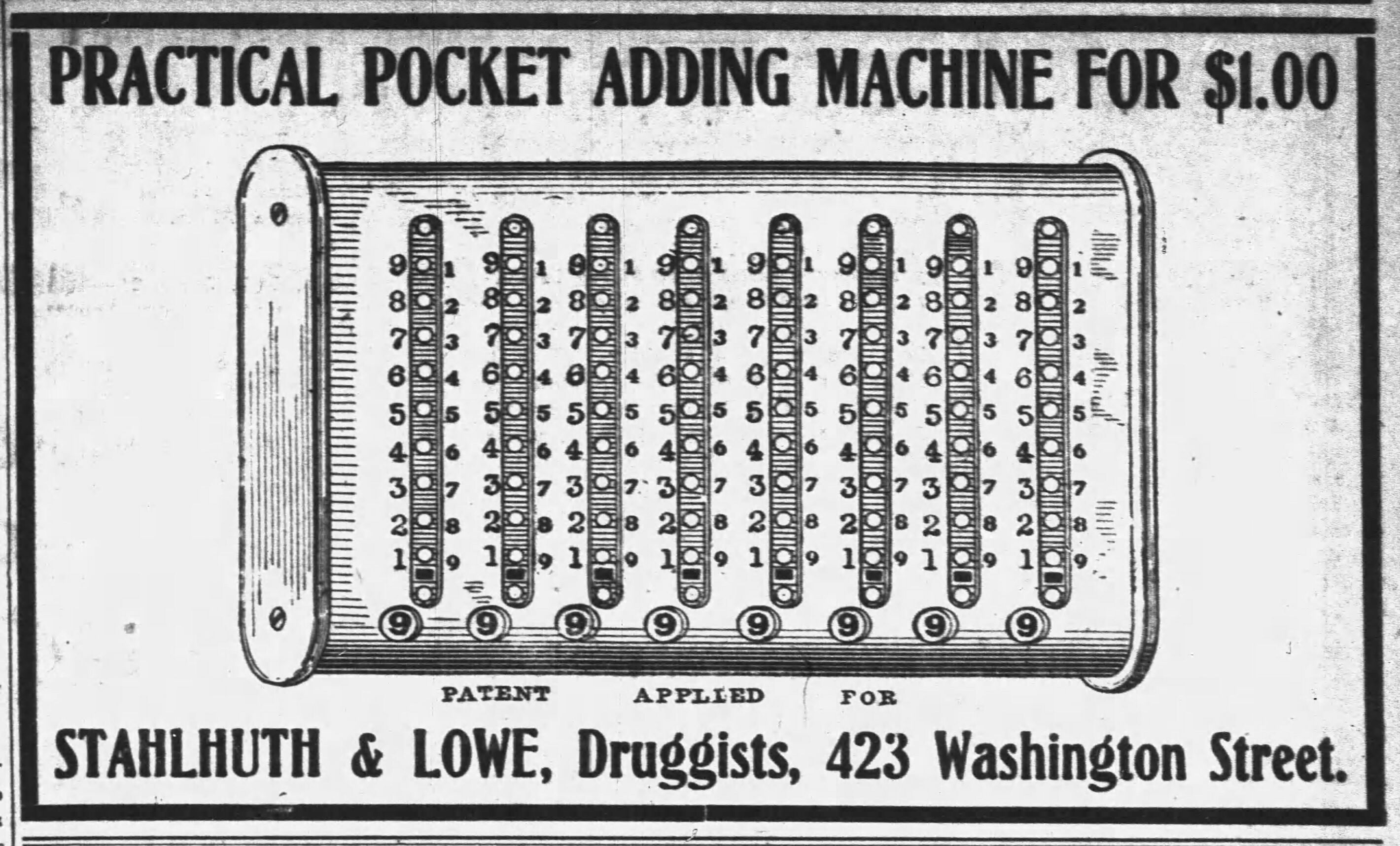
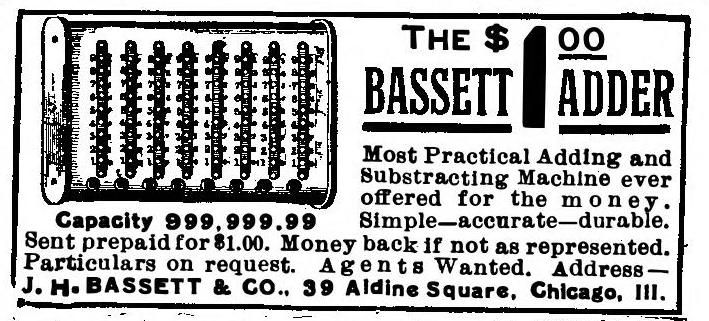
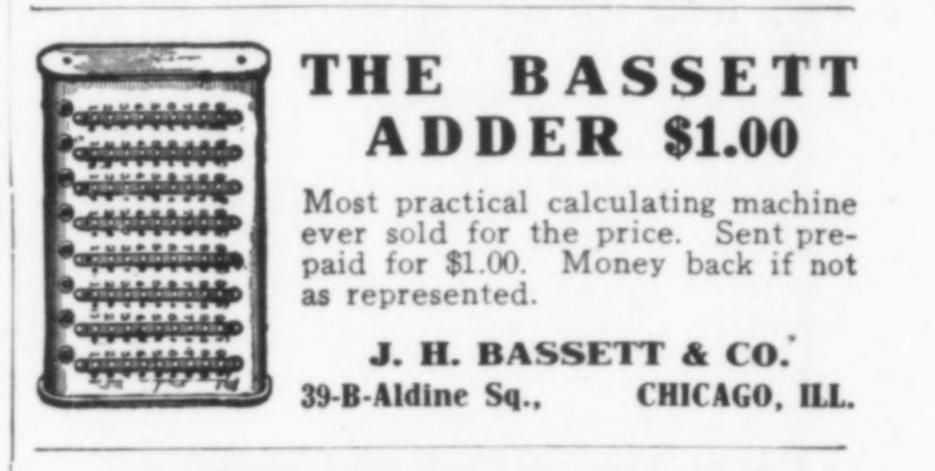
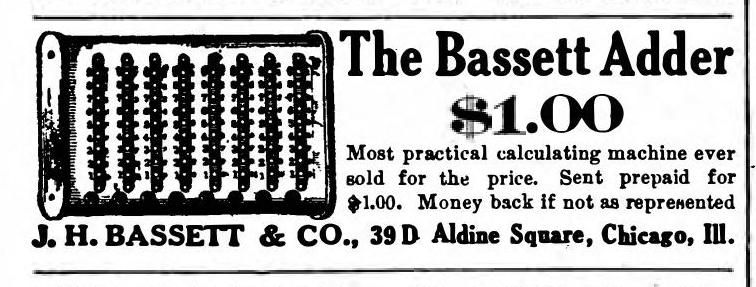
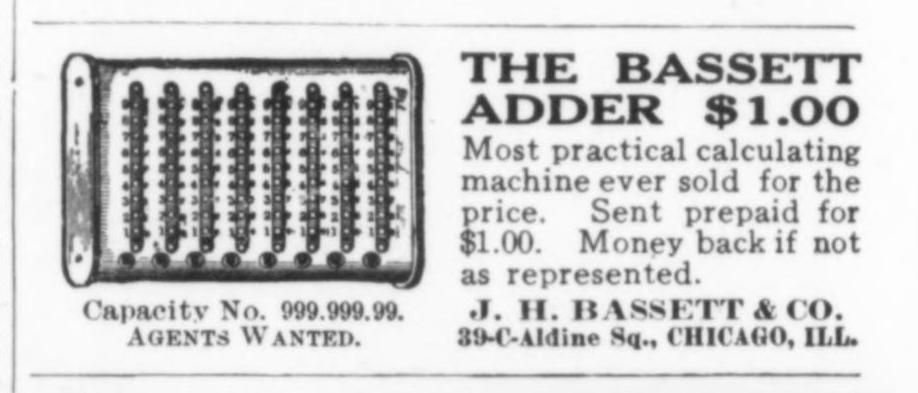
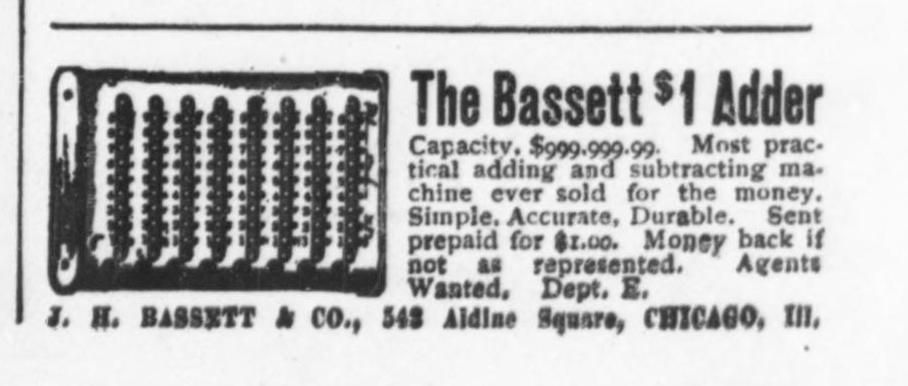
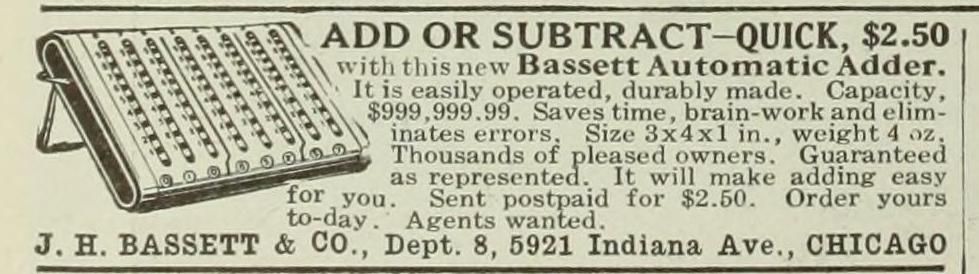
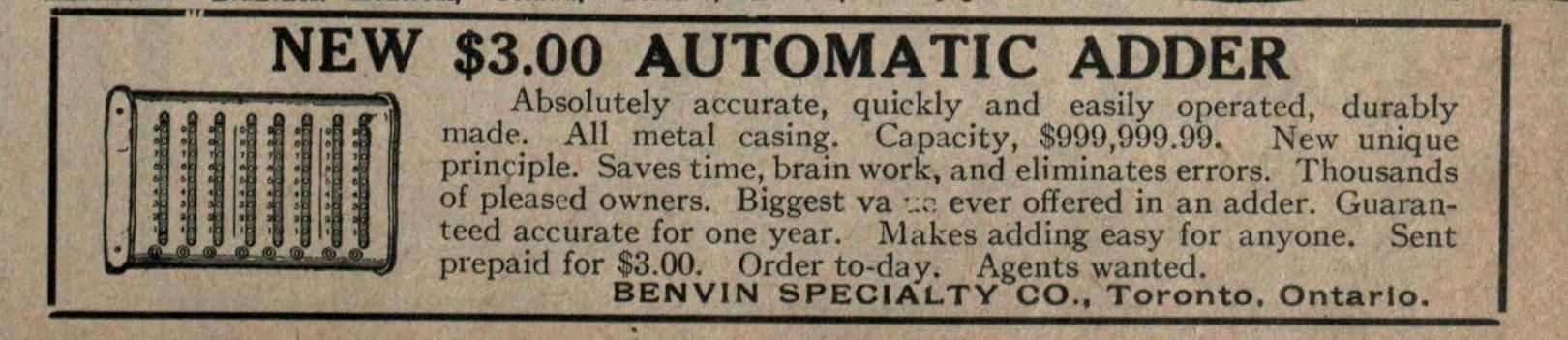
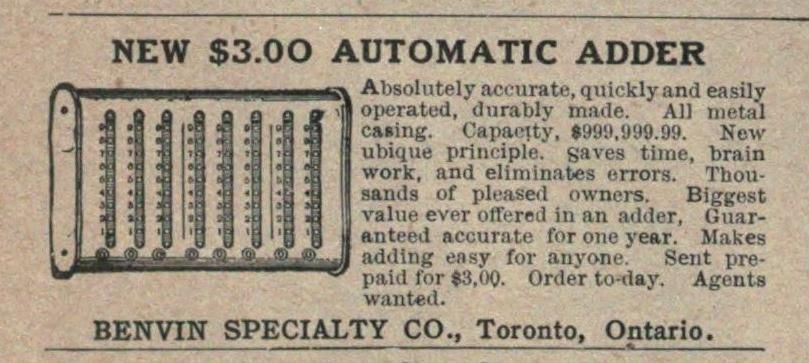
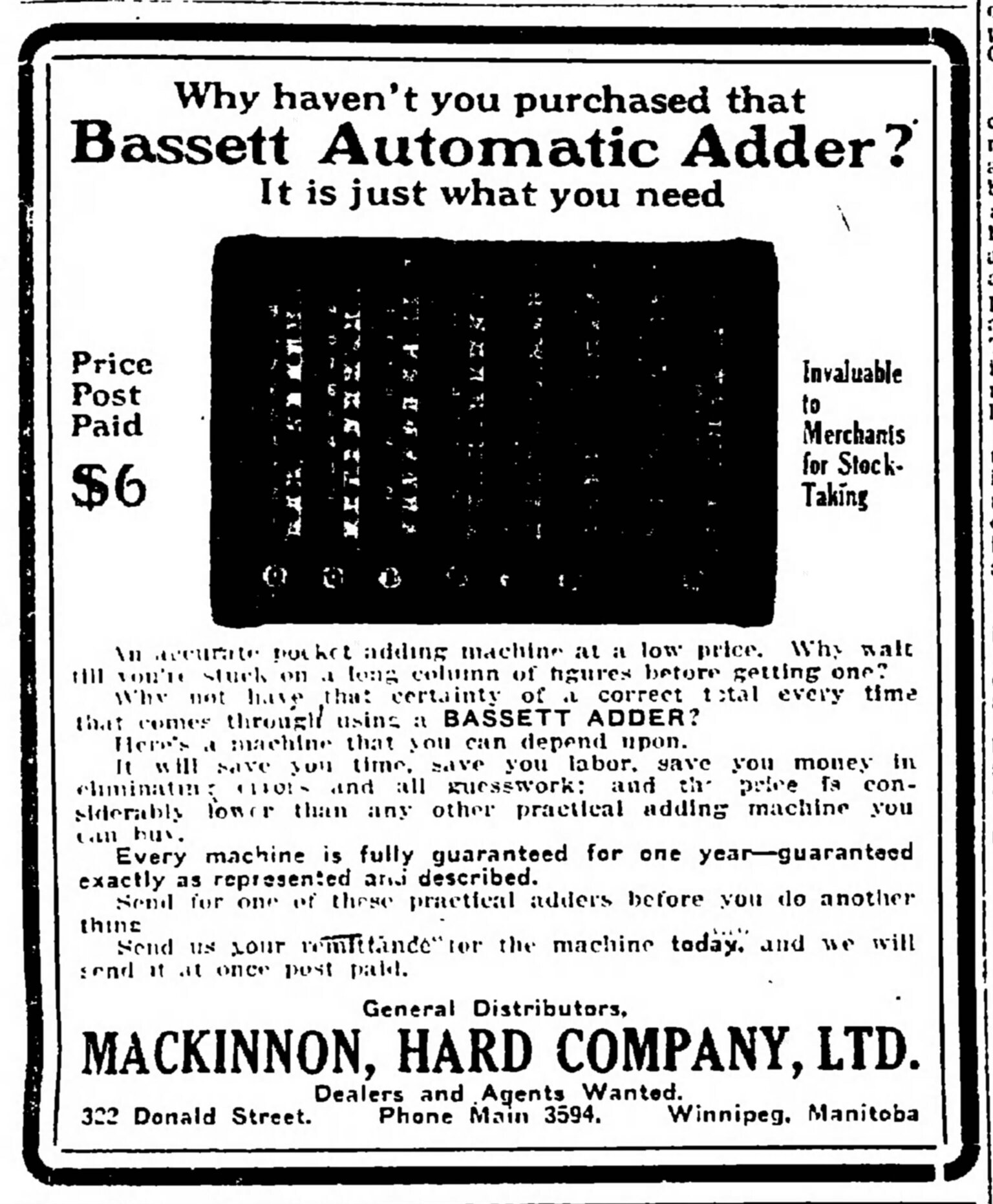

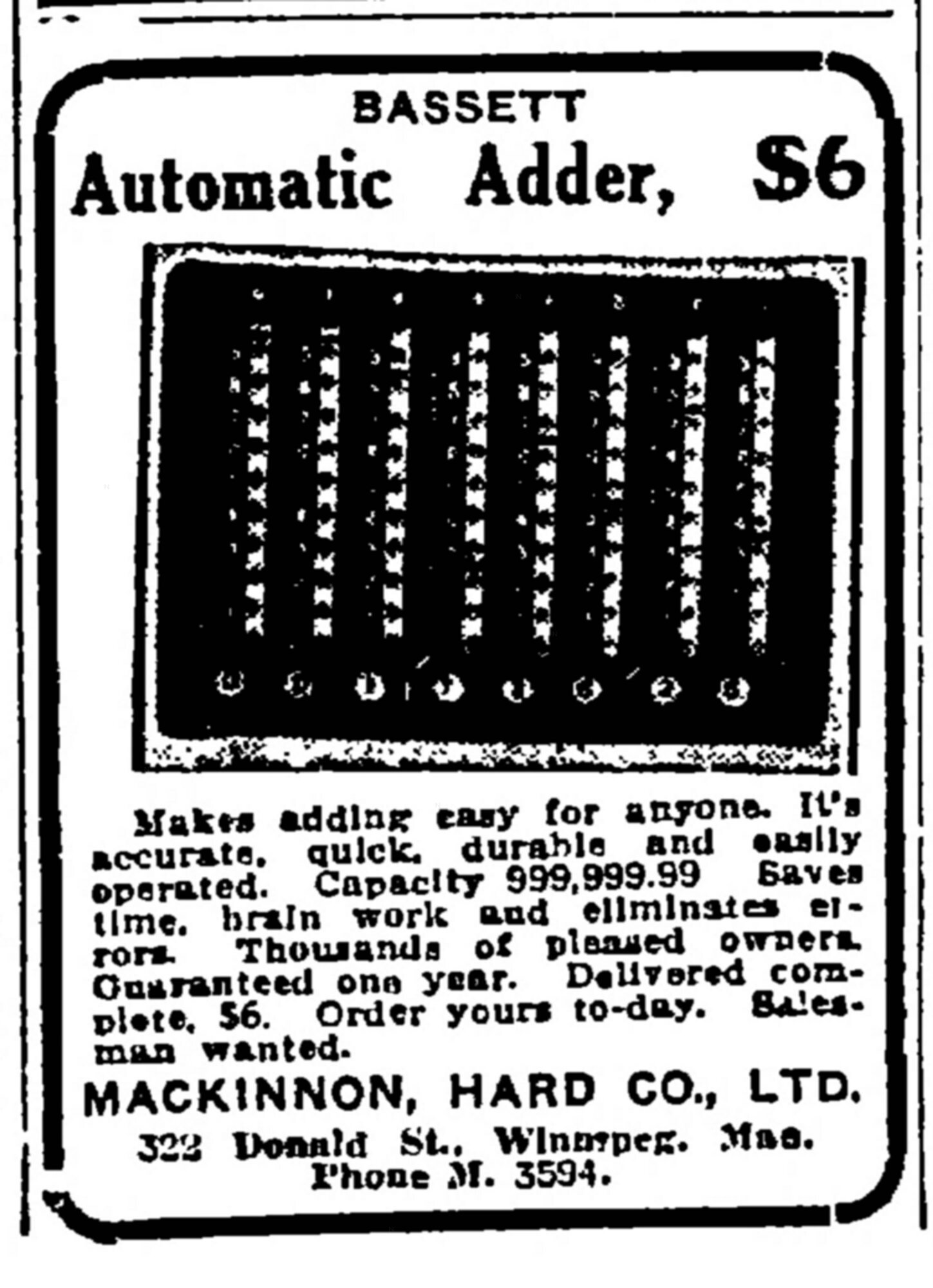
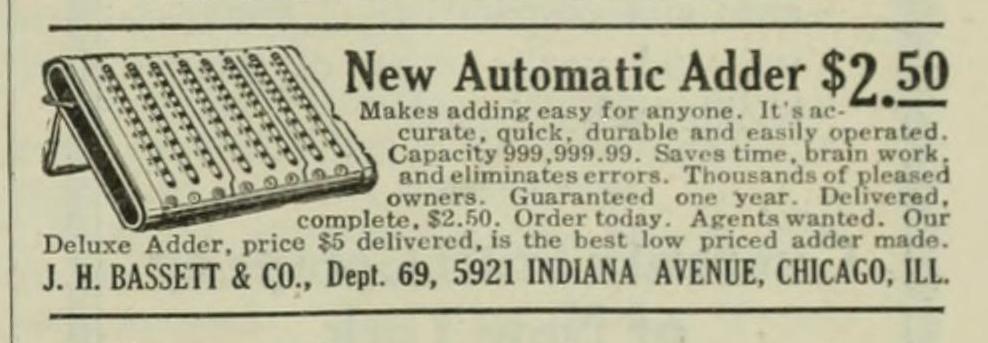
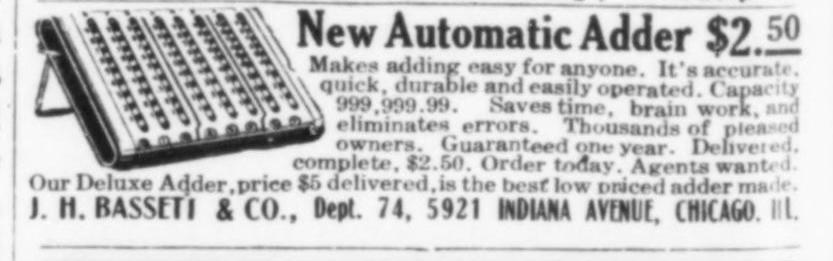
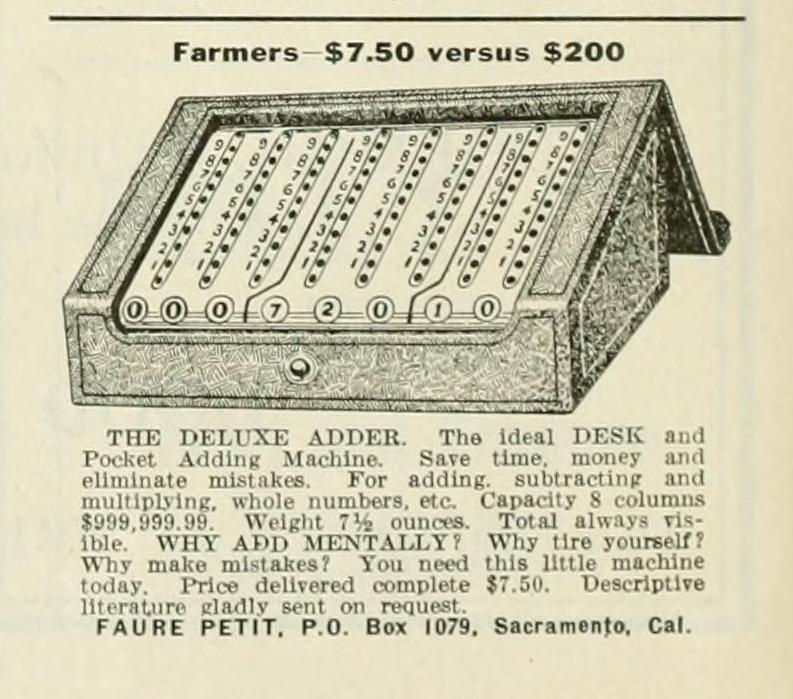
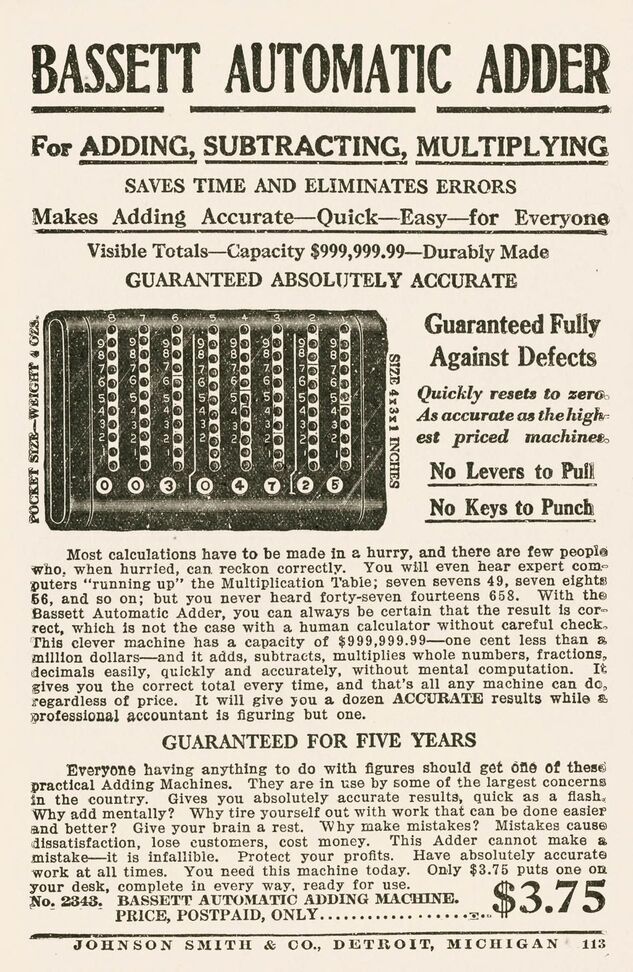
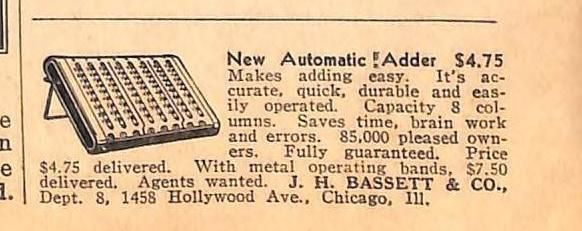
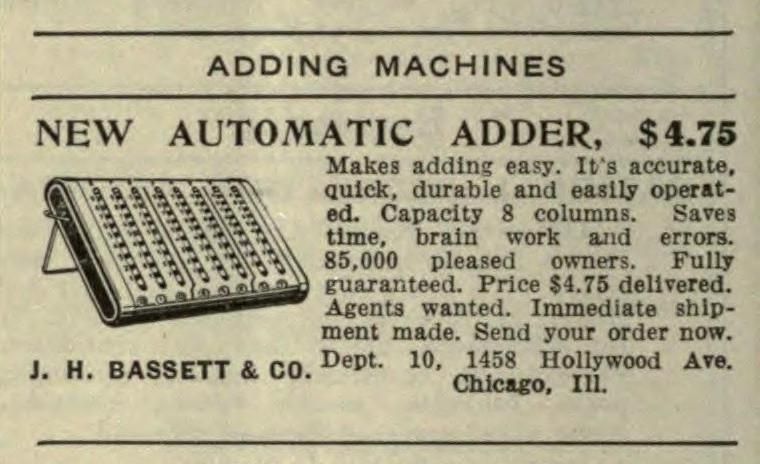
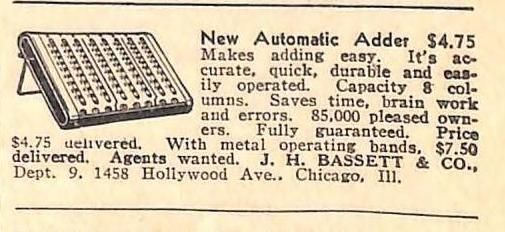
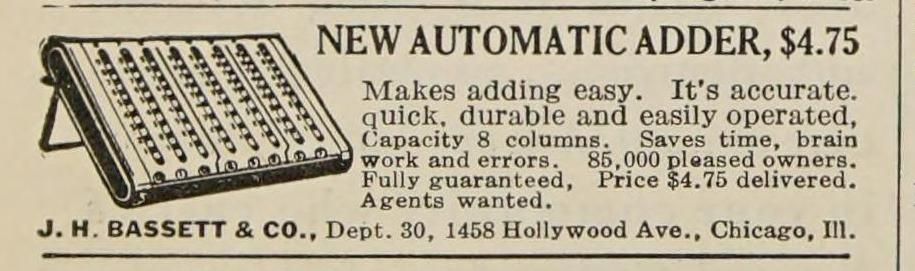
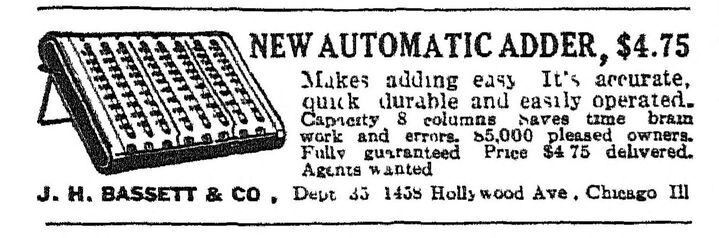

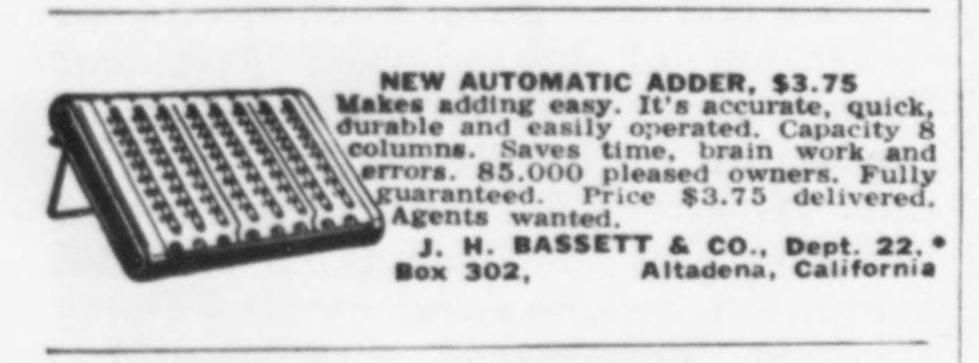
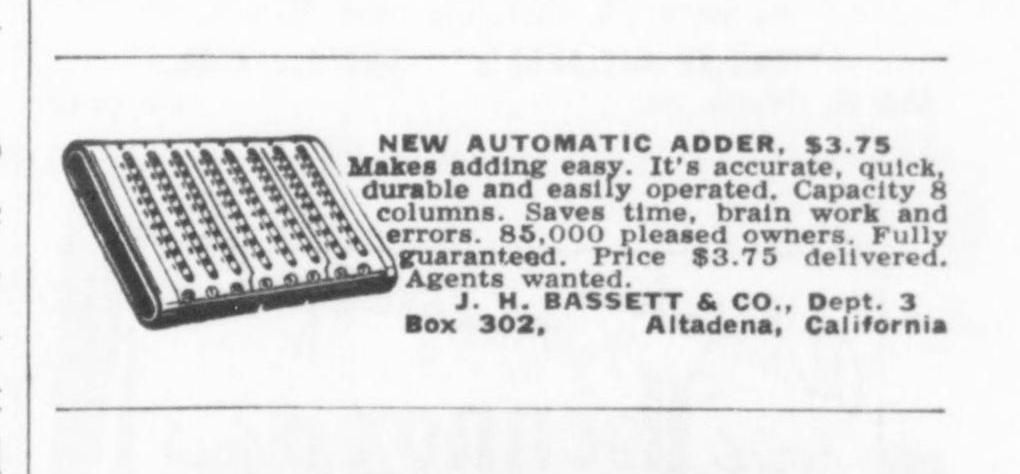
The few articles I found in newspaper archives include obituaries for James Hunter Bassett.
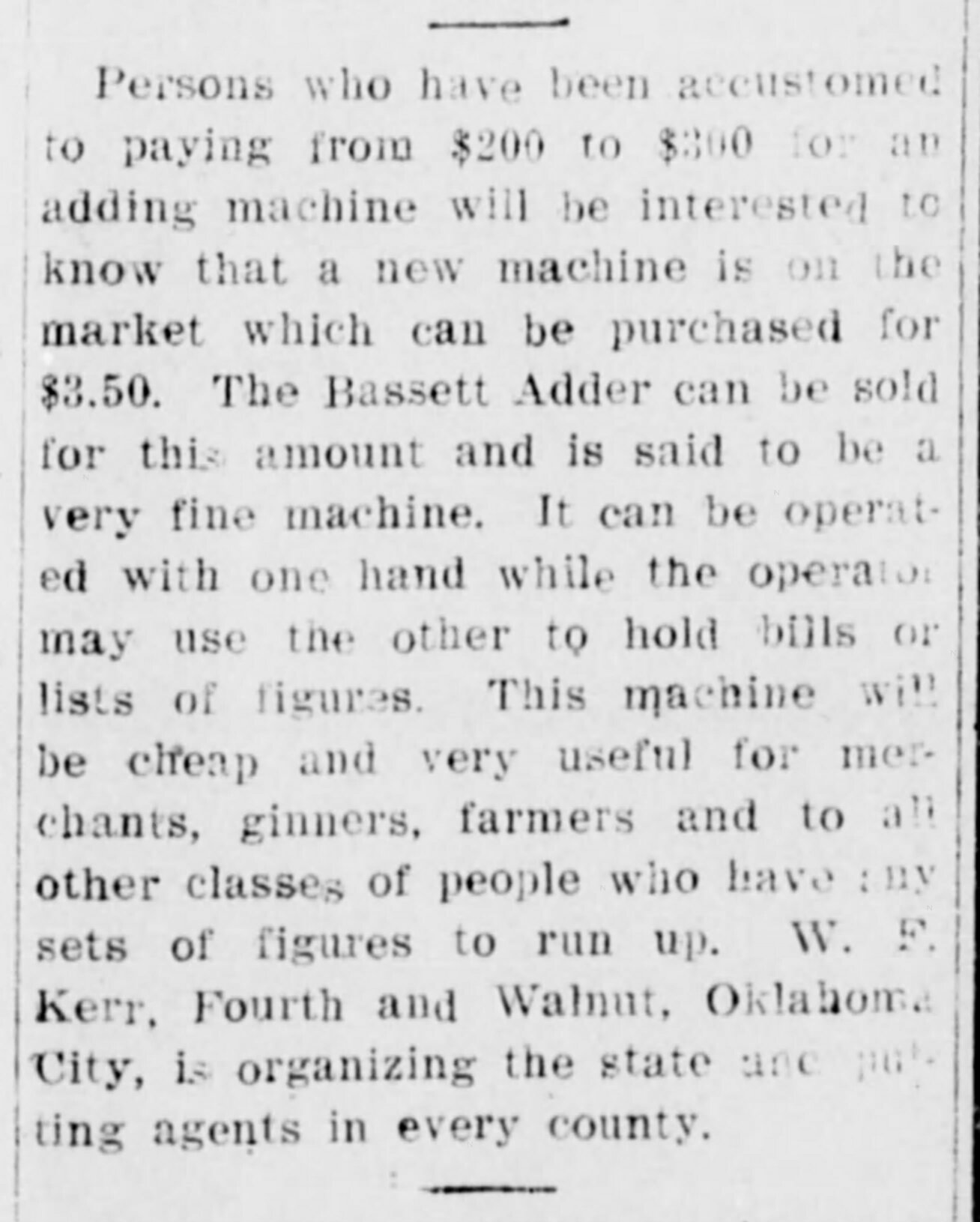

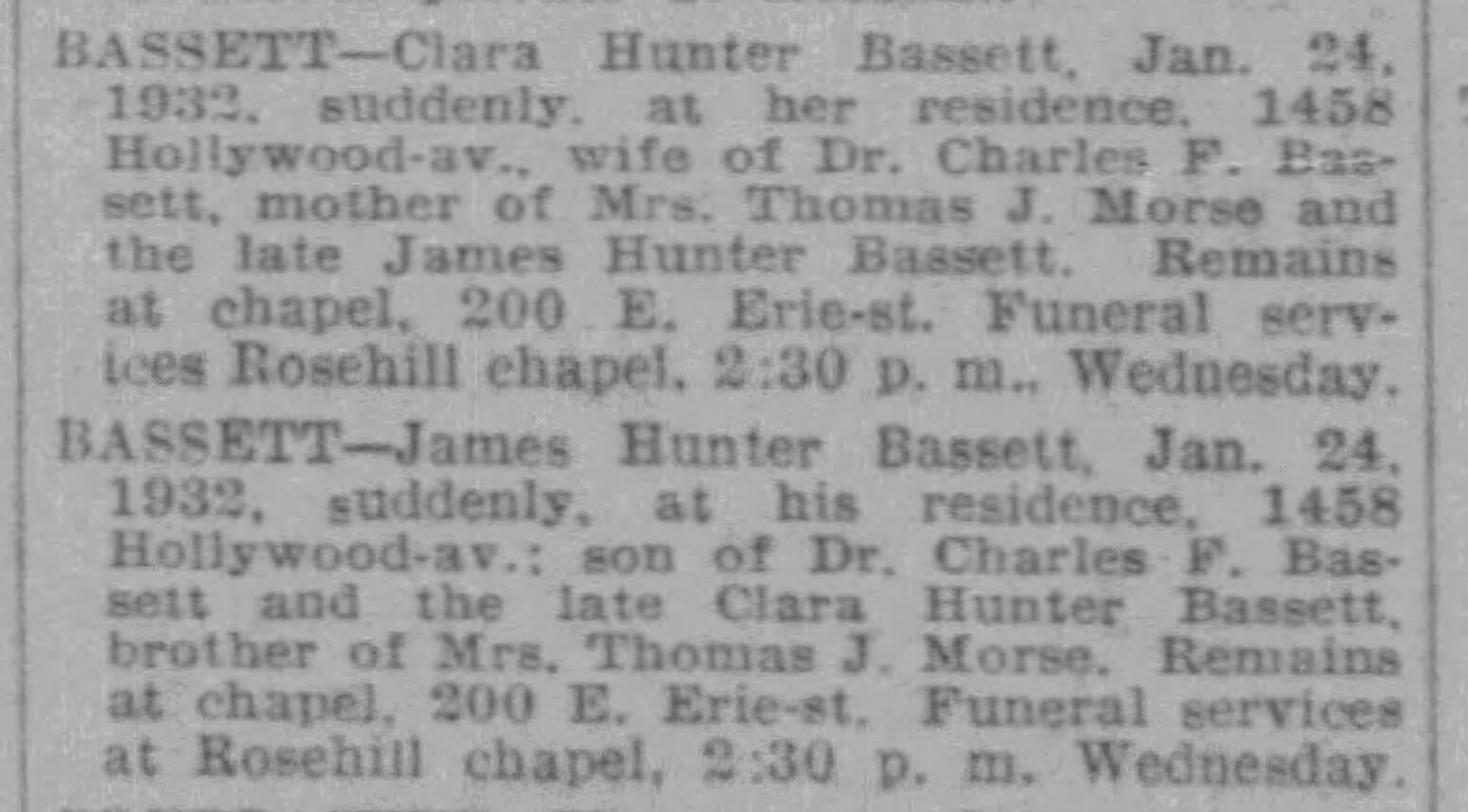
Bassett apparently did not gain a patent on the adder. The only relevant patent is of the earlier ribbon adder by Charles Webb.
| Patent | Filing date | Publish date | Name | Description |
|---|---|---|---|---|
| US 465,120 | 25-06-1888 | 15-12-1891 | Charles Henry Webb | Adding-Machine (Webb's Ribbon Adder) |
© Copyright 2026 Jaap Scherphuis, mechcalc a t jaapsch d o t net.